
Responsive Pro plugin is deprecated and migrated to Responsive Plus plugin.
Note: Before proceeding, make sure you have the Responsive theme installed and activated.
Follow these easy steps to download the Responsive Plus – Starter Template plugin and import website demos:
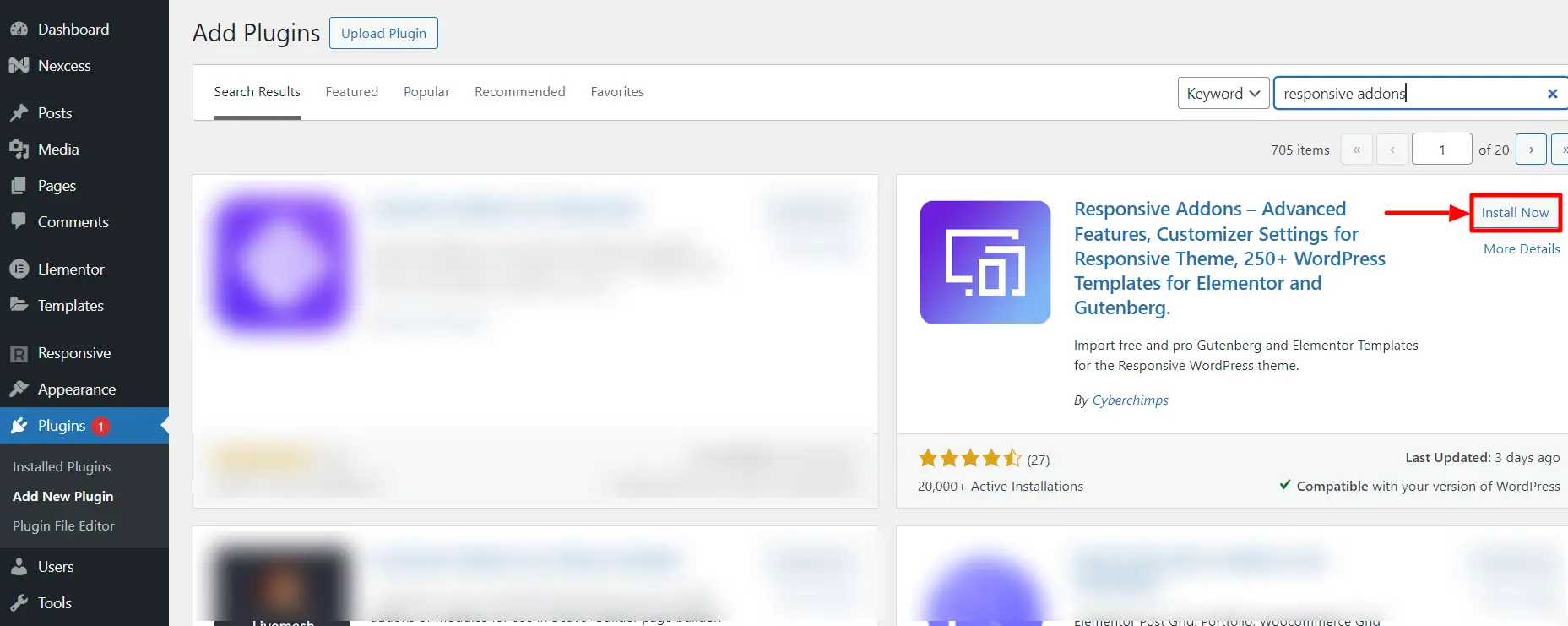
Step 1: Install the Responsive Plus plugin from the WordPress repository.
Navigate through the WordPress admin dashboard and click Plugins>Add Plugin. Search for Responsive Plus and Install.
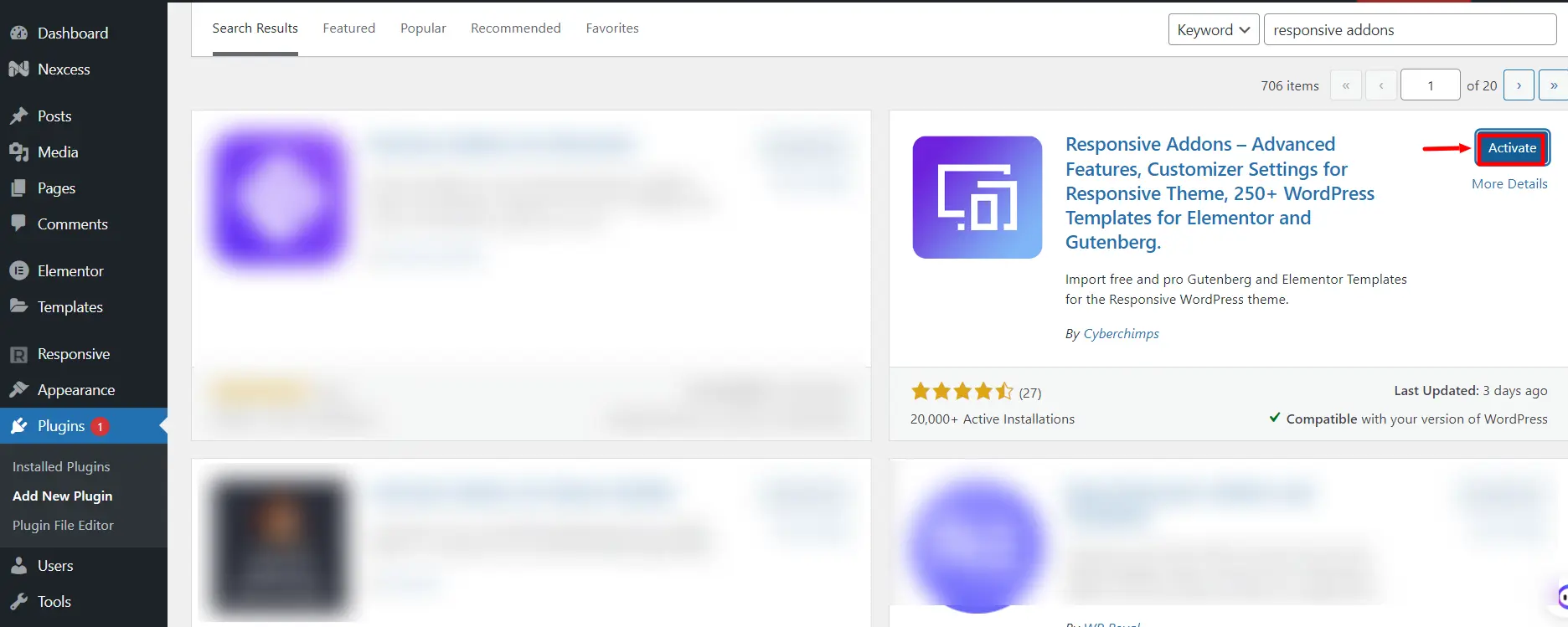
2. Activate the plugin.
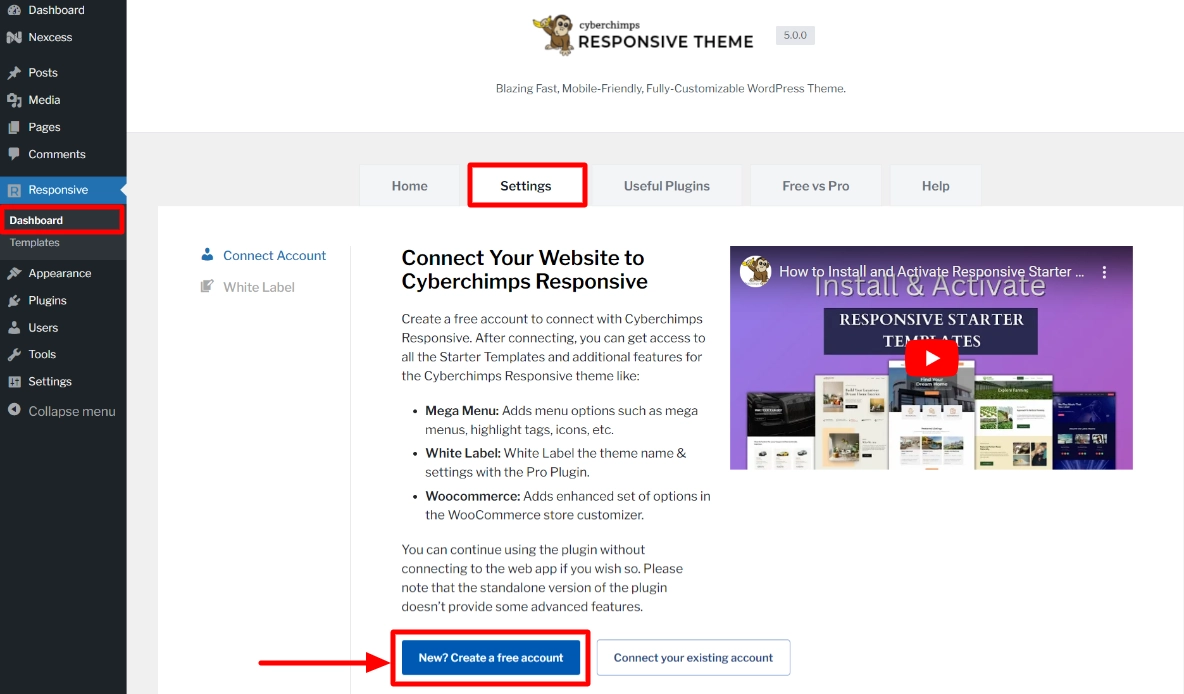
3. From your admin dashboard, navigate to Responsive> Dashboard and go to the Settings tab.
Click on New? Create a free account.
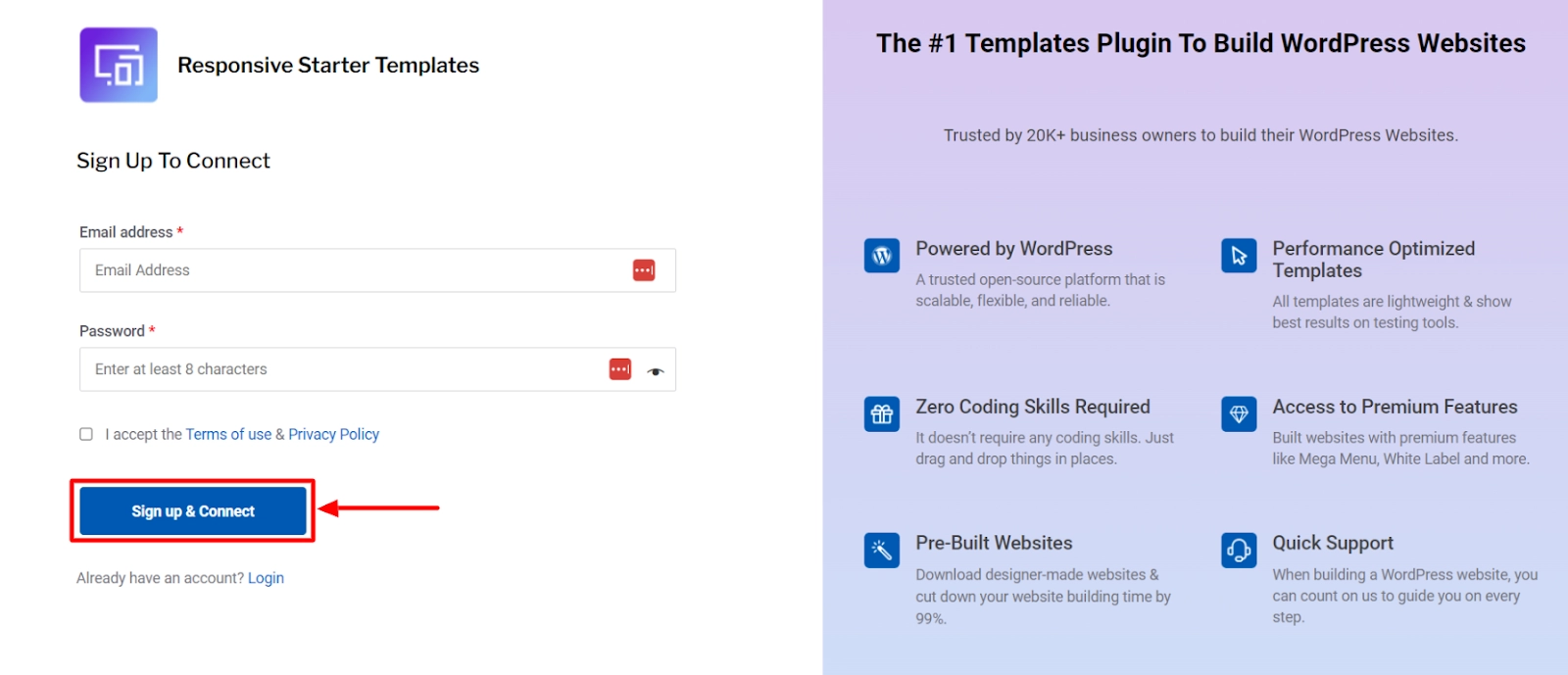
4. You will be redirected to the signup page window, where you need to enter your details and click on the Sign up & Connect button.
[Note: You need to sign up and connect only if you are a new user, else you skip to the next step]
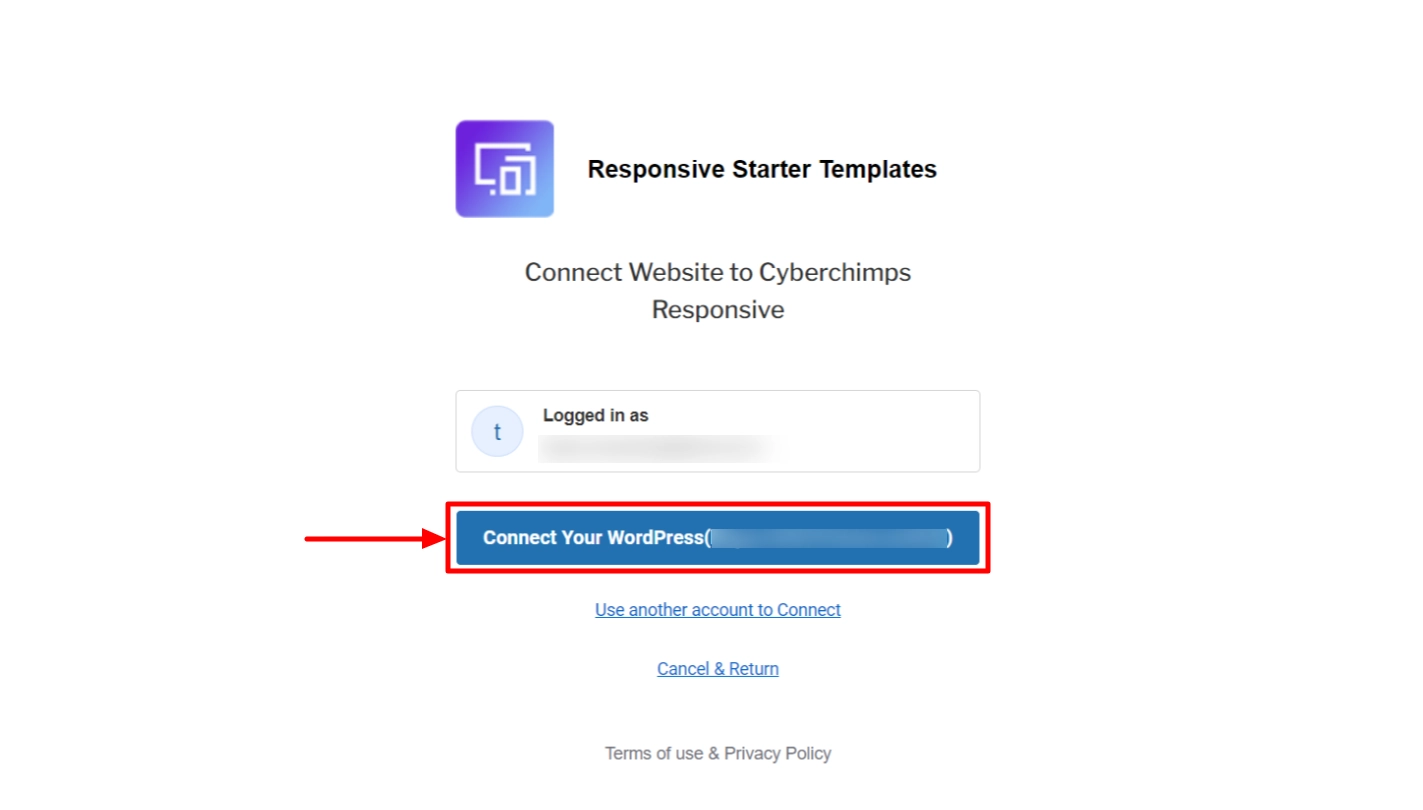
5. Click on Connect Your WordPress and you’re done.
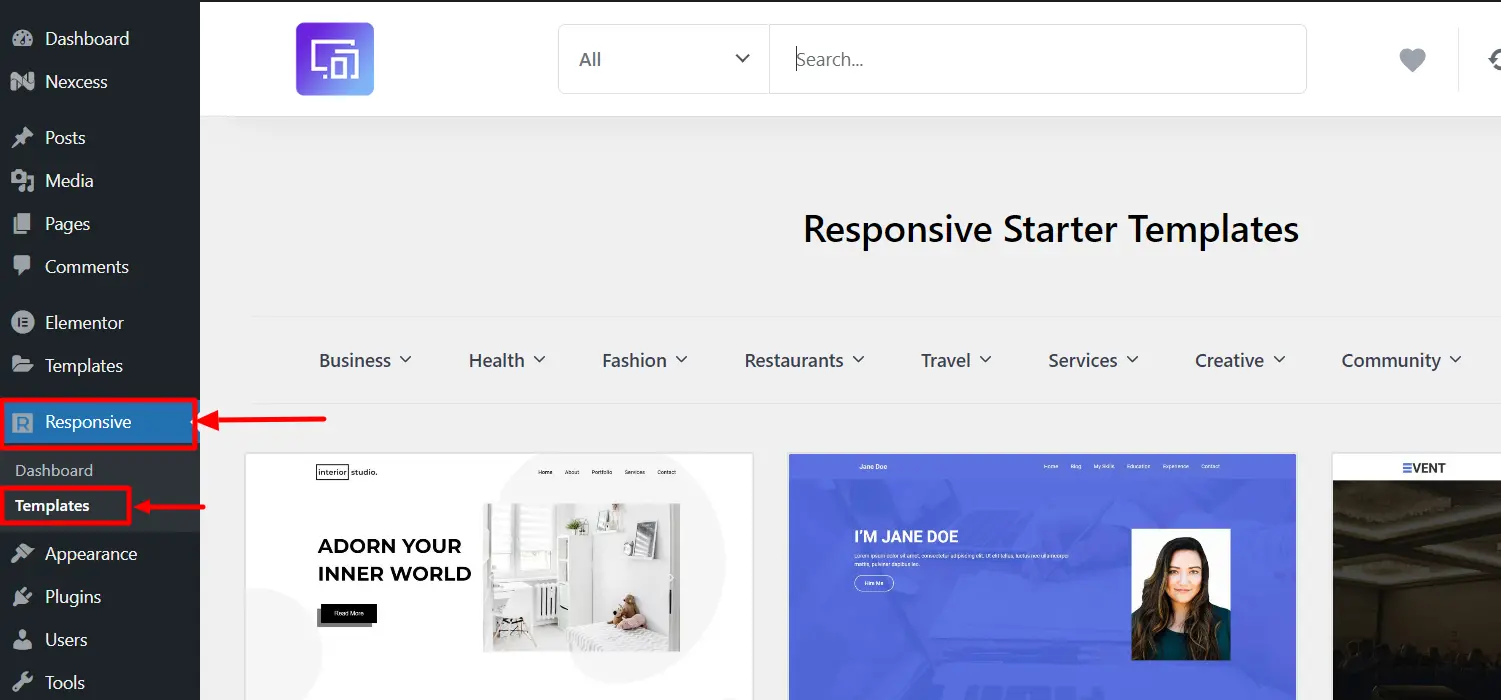
Step 2: Once your account is connected, from the WordPress dashboard, navigate to Responsive > Templates and select a website template you wish to import.
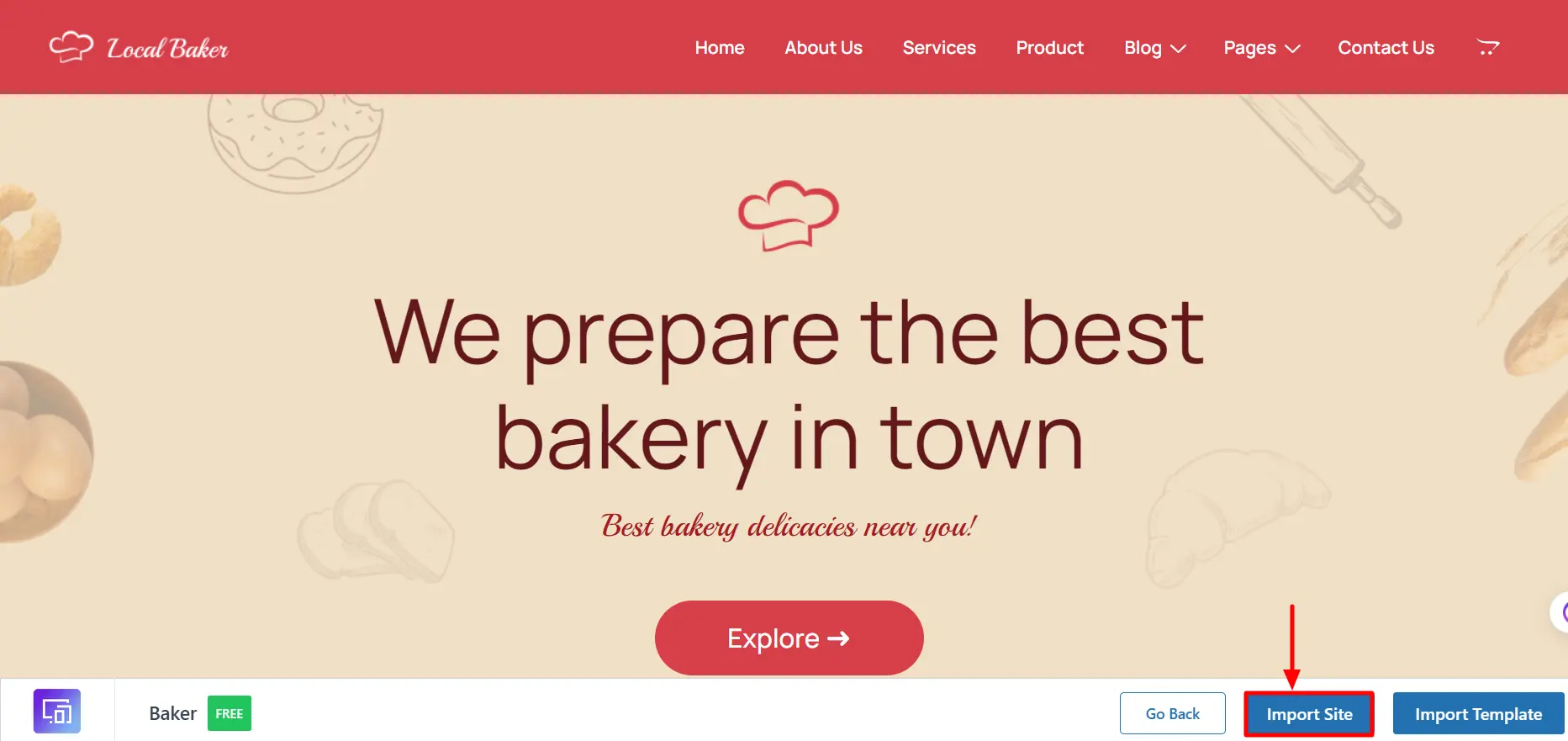
Step 4: On clicking Import Site button, import process will start. You will see checkmark in front of actions that are completed.
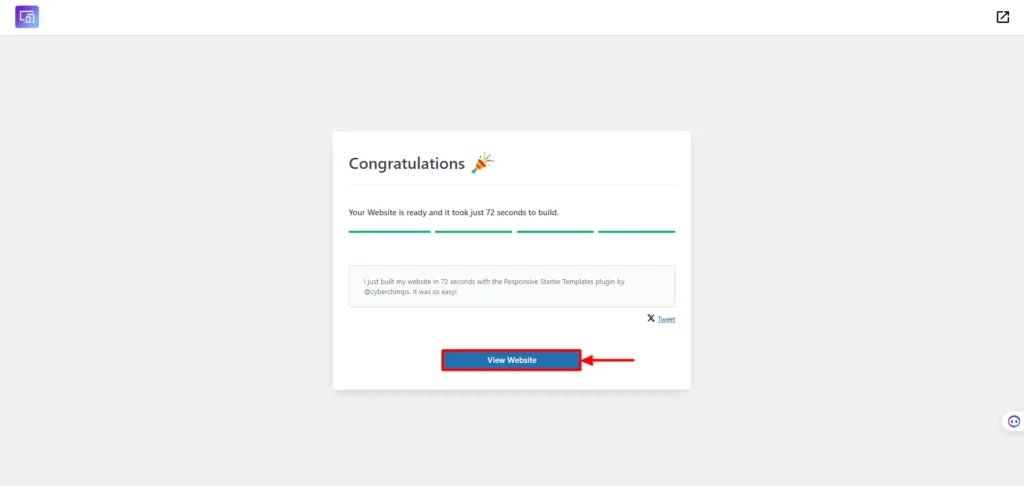
Step 5: After Import is complete you will see the Visit Website button which will take you to newly imported site.
How to Import a Single Template From Responsive Plus – Starter Templates?
With the Responsive Plus Plugin, you can import a single page from any Responsive Plus – Starter Template. This allows you to easily mix and match multiple page designs from different sites to create your own unique website.
Step 1: To import a single page navigate to WordPress Dashboard > Responsive > Responsive Templates & click on the template from which you would like to import a single page.
Step 2: Click on the Import Template button to see which templates are available to import from that ready site
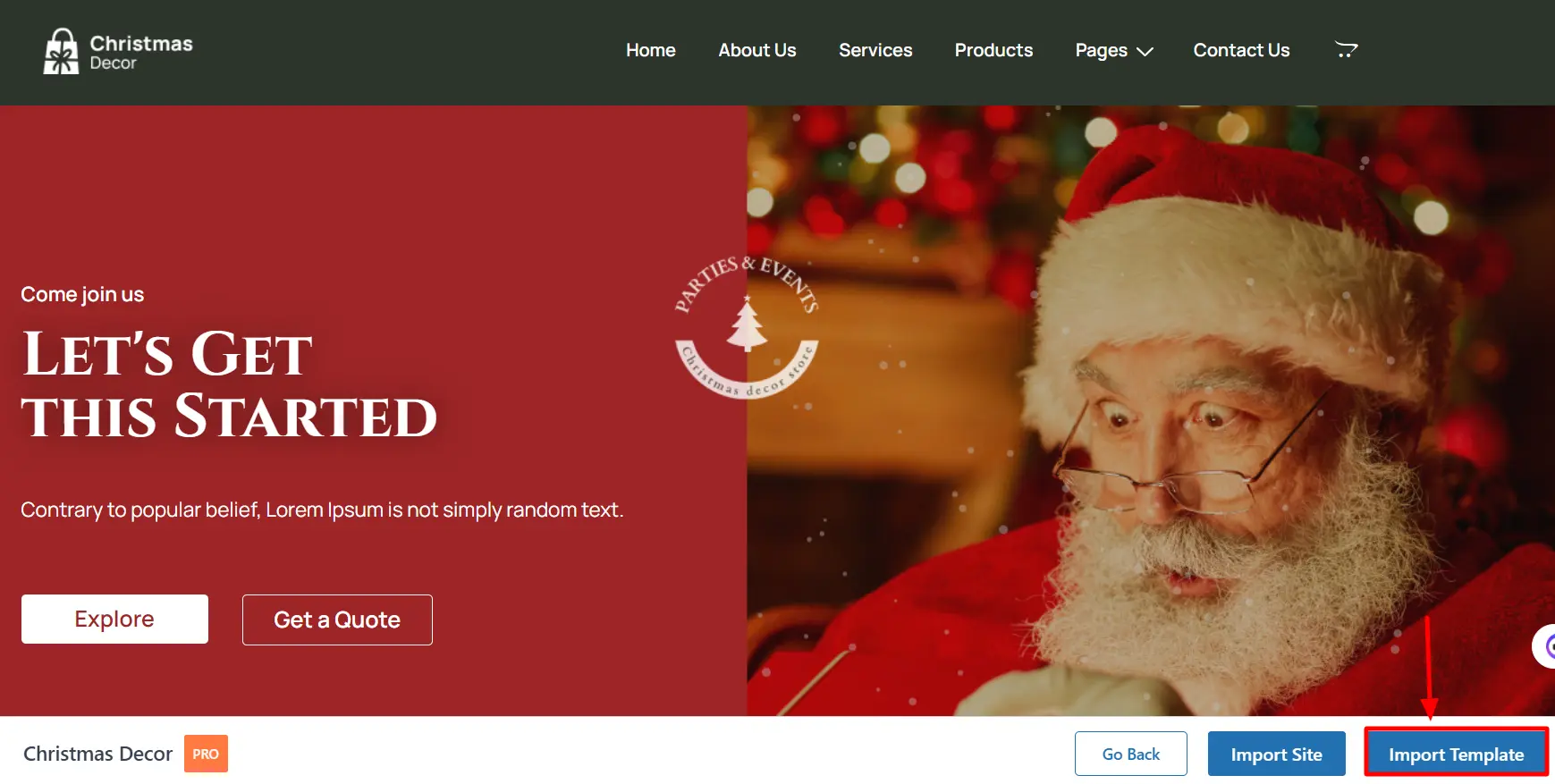
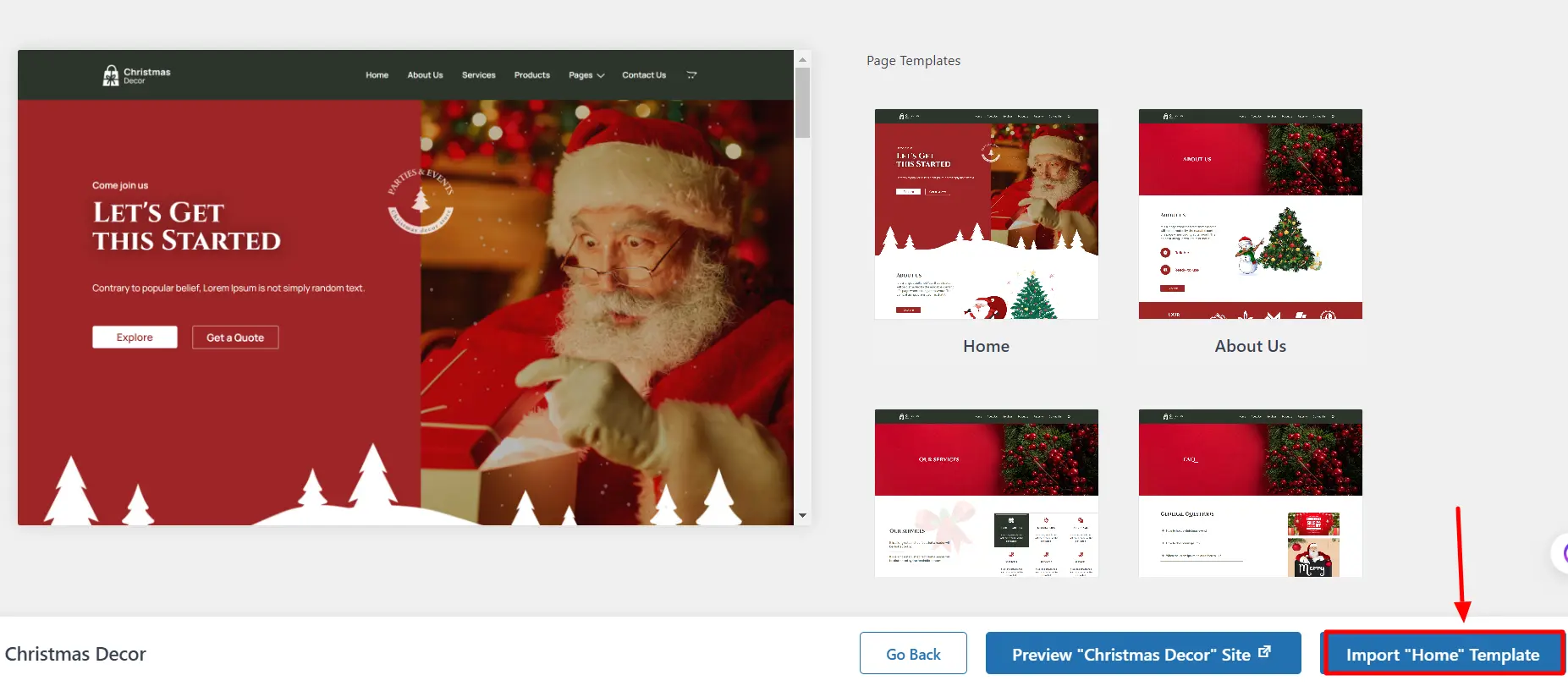
Step 3: Select the template which you would like to import & click on the Import Template button in the bottom right corner.
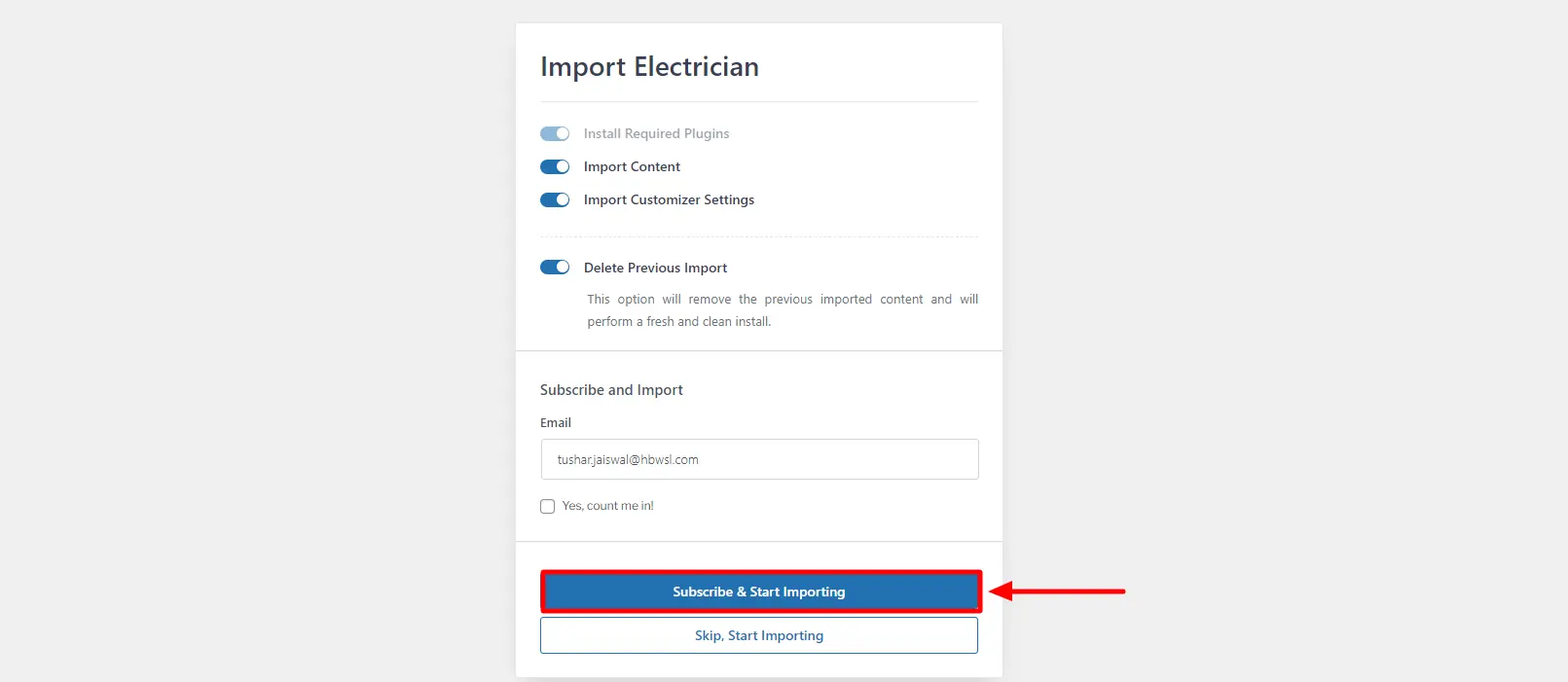
Step 4: Finally, click on the Subscribe and Start Importing button, and the selected template with the used plugins will be imported.
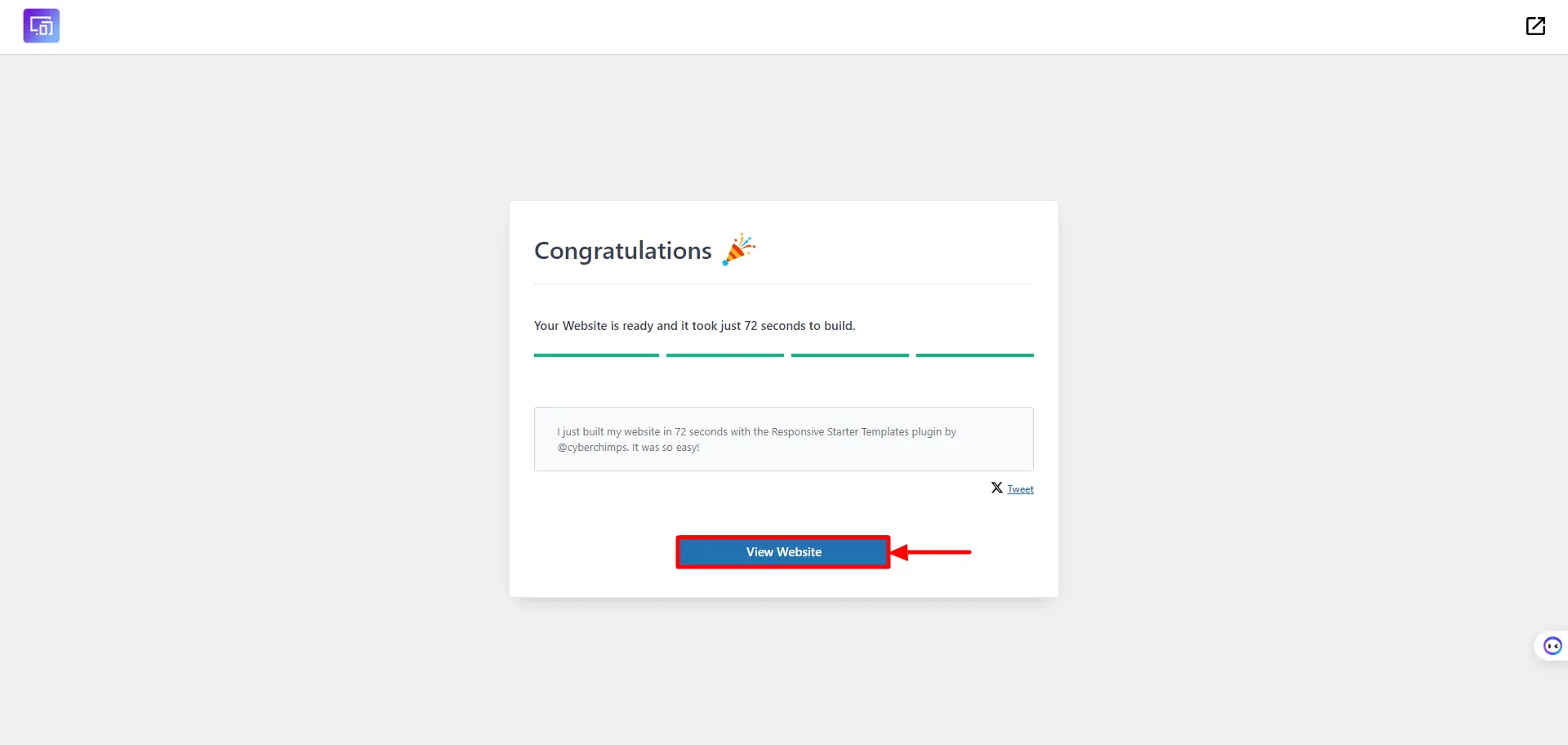
Step 5: Once the import process is finished click on View Template button to view the imported template.
Can I Import Responsive Plus – Starter Templates on Existing Website?
Previously imported customizer settings and content will be deleted when using Responsive Plus – Starter Templates plugin. No plugins will be affected.
More specifically, the plugin imports things as below:
- Customizer Settings
- Widgets
- Menus and Content (Pages, Posts, Images, and Media)
- Required Plugins (like WPForms lite, Elementor, etc)
So you can import Responsive Plus – Starter templates on the existing website. But as the process imports new content and settings as well, you can go to pages, posts, menu, and widgets and delete the content added in the import process.
To be safe, take a backup of your existing website. It’s easy and takes only a few minutes.
Controls to Filter Ready Sites
Navigate to WordPress Dashboard > Responsive > Responsive Templates.
In the top right corner, you will see the available page builders.
Choose your preferred page builder: Elementor, Gutenberg, or ALL. Use filters to refine starter templates.
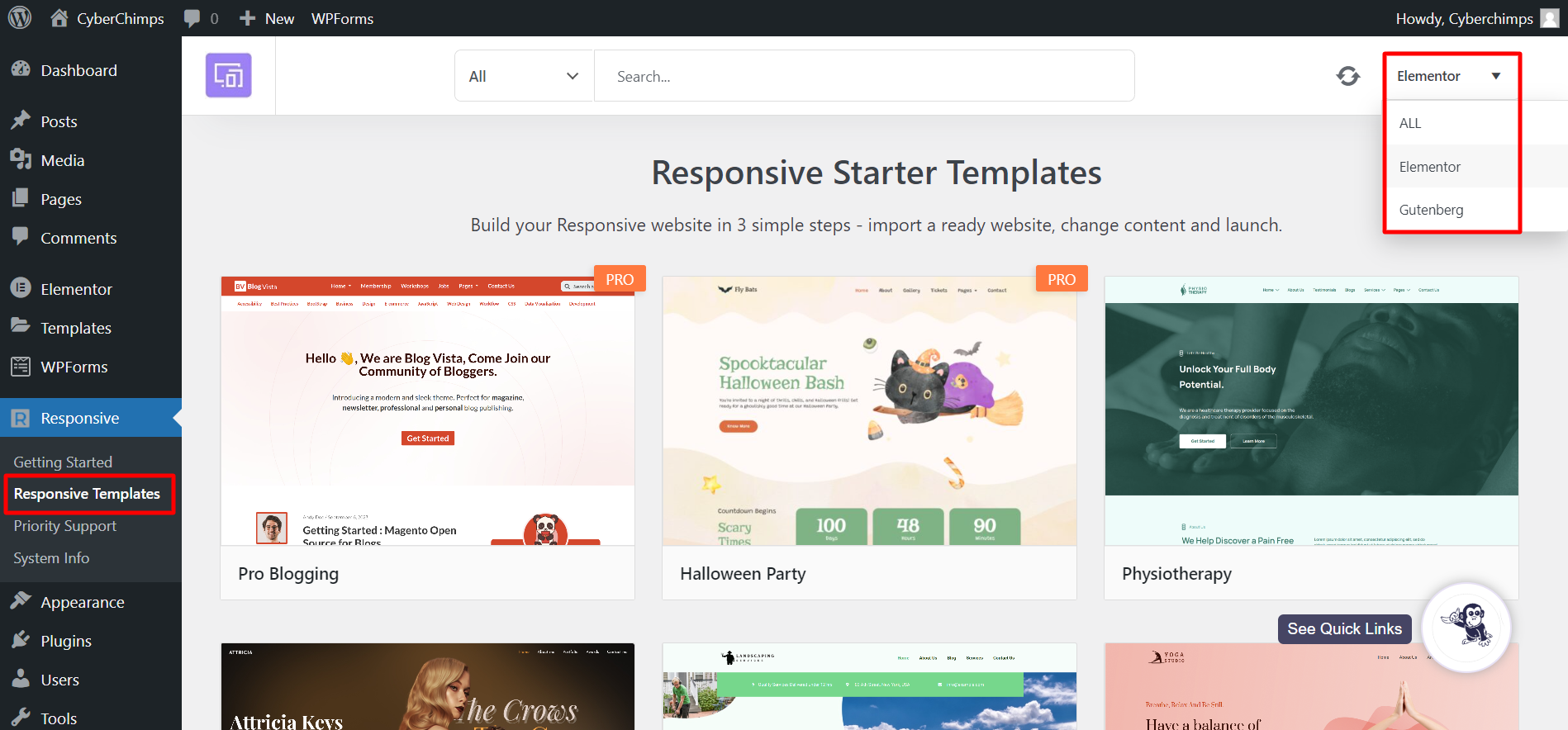
You can use additional controls to filter the starter templates more precisely.
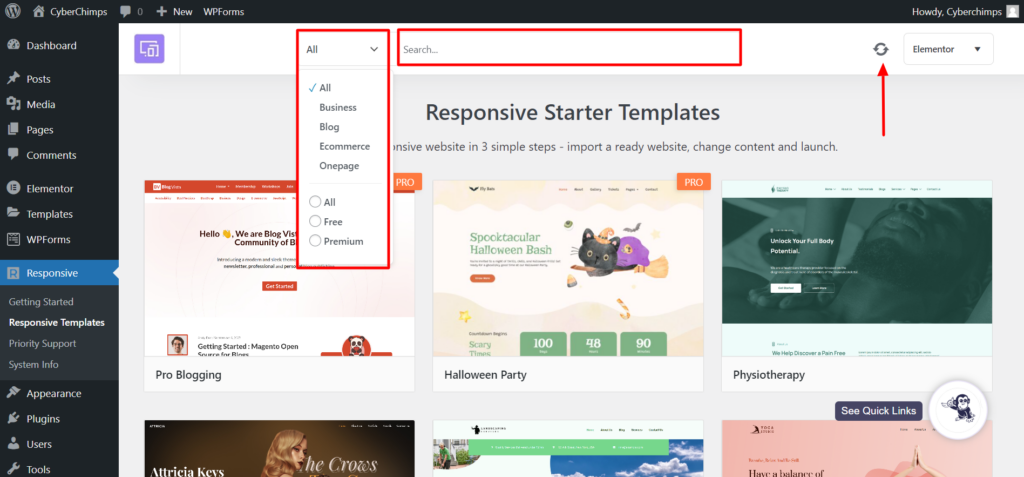
- Category Dropdown: On the left side, you will find a dropdown menu with various categories. You can use these categories, such as Business, Blog, Ecommerce, and others, to filter the website, or you can use the free or premium templates.
- Search: A search box next to the category dropdown will let you jump to the exact template that you’re looking for.
- Sync Icon: If you want to refresh the template library and see any recently added templates, click on the Sync Icon located in the top right corner. By doing so, the library will be updated automatically in the background. We continuously add new site templates to the library, and this feature ensures that you don’t miss out on any new additions.
Errors While Importing Responsive Plus – Starter Templates?
Are you facing any errors while importing Responsive Plus – Starter Templates? Please find solutions below for some common queries –
Not Seeing any Responsive Plus – Starter Templates or Stuck During the Import Process?
If you are facing such issues, please check your internet connectivity. To preview and import Responsive Plus – Starter template, continuous internet connectivity is required.
Some Steps Failed During the Import Process of a Website?
You can see certain steps being failed while importing a website. This may happen if a website is being imported and is currently in maintenance. In such a scenario, please try importing the website after some time.
Imported Starter Template Looks Broken?
You’ll need to activate the below-listed plugins manually from your WordPress dashboard:
- Responsive Plus: Activate this plugin only if you’ve imported any Elementor-ready site template.
- Elementor: Activate this plugin only if you’ve imported any Elementor-ready site template.
- Responsive Blocks: Activate this plugin only if you’ve imported any Gutenberg-ready site template.
- WPForms Lite
Importing a single template will not import the header footer.


