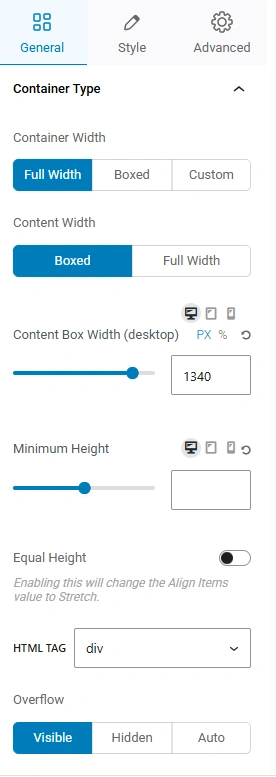
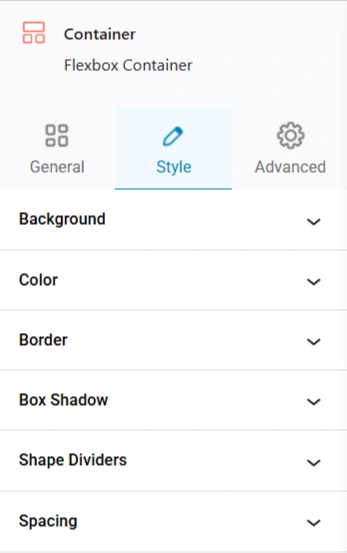
The Container Block in Responsive Block is an effective layout element that allows users to group multiple blocks together inside a single parent block.
Container Blocks can be used to build structured layouts, maintain consistent styling, and support responsive design.
How to Add a Container Block
- Open the WordPress block editor.
- Click the + Add Block button.
- Search for Container.

- Insert the block into your page or post.
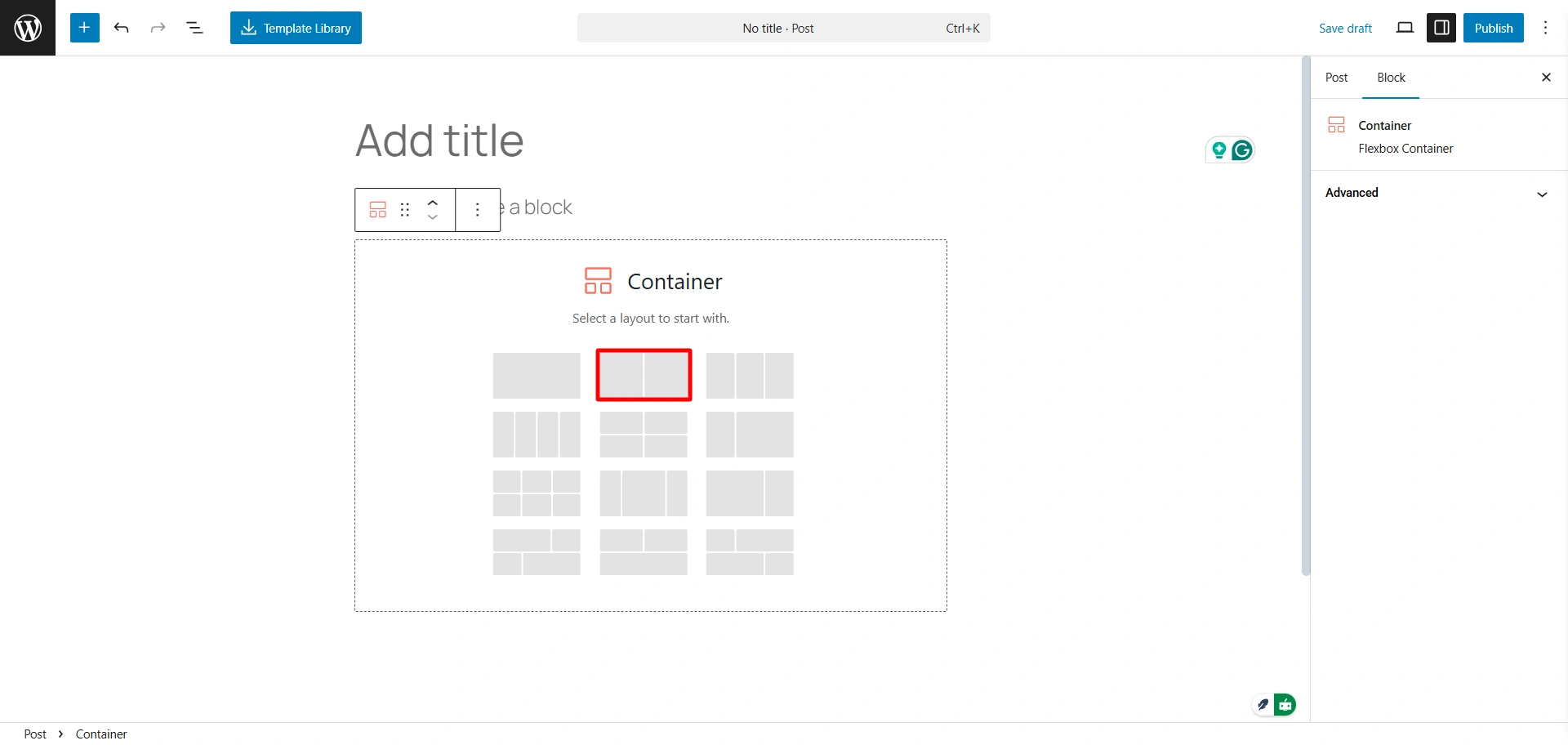
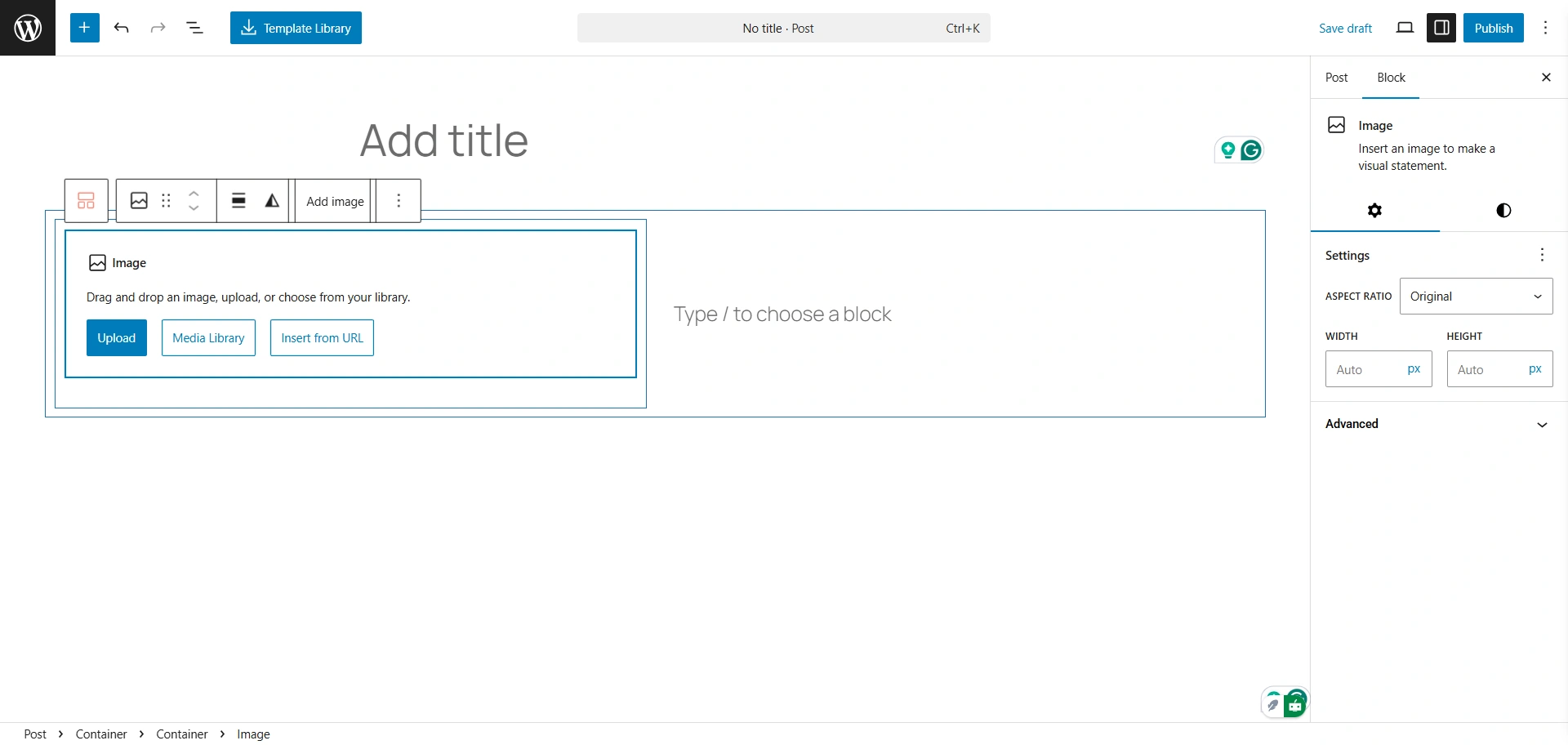
- Add child blocks inside the container to build your layout.
Container Block Settings
Let’s see some of the container block settings that you get.