
The Related Products Widget by Responsive Addons for Elementor neatly showcases similar items on your product pages. By showing related products, this widget helps customers discover more items, increases sales, and keeps them browsing longer.
How to Add Product Related Widget?
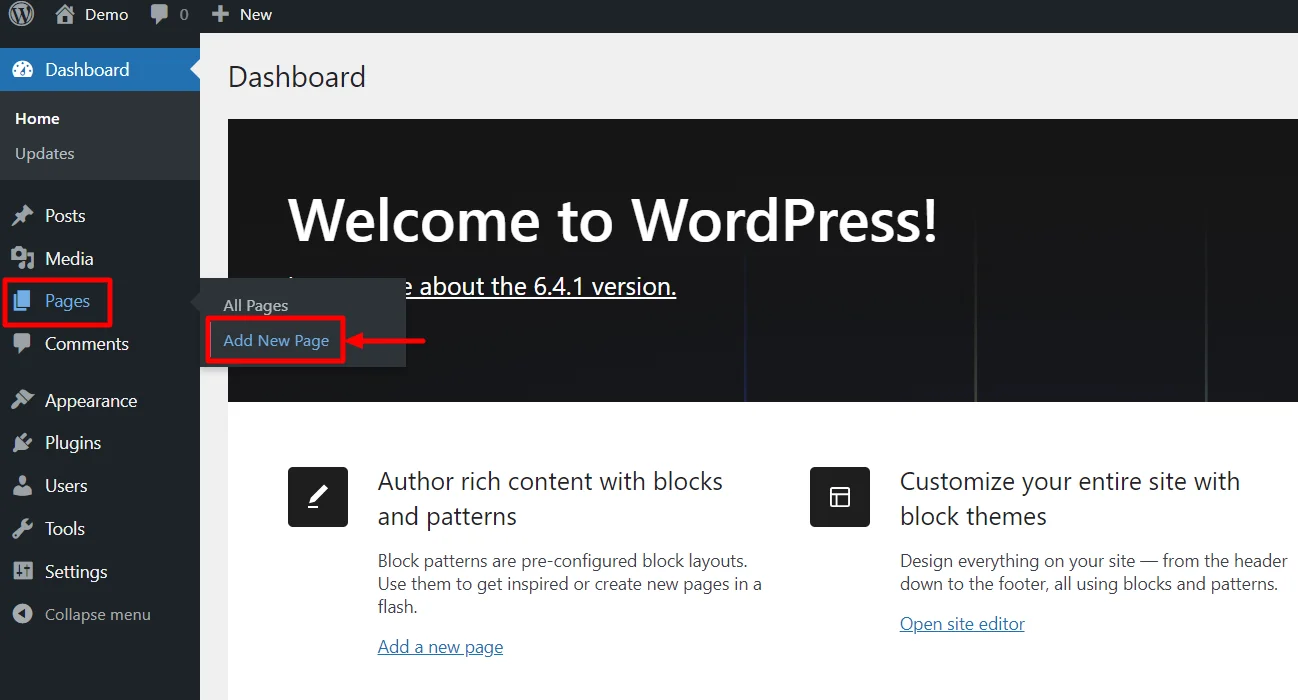
- Go to WordPress Dashboard > Pages > Add New Page.
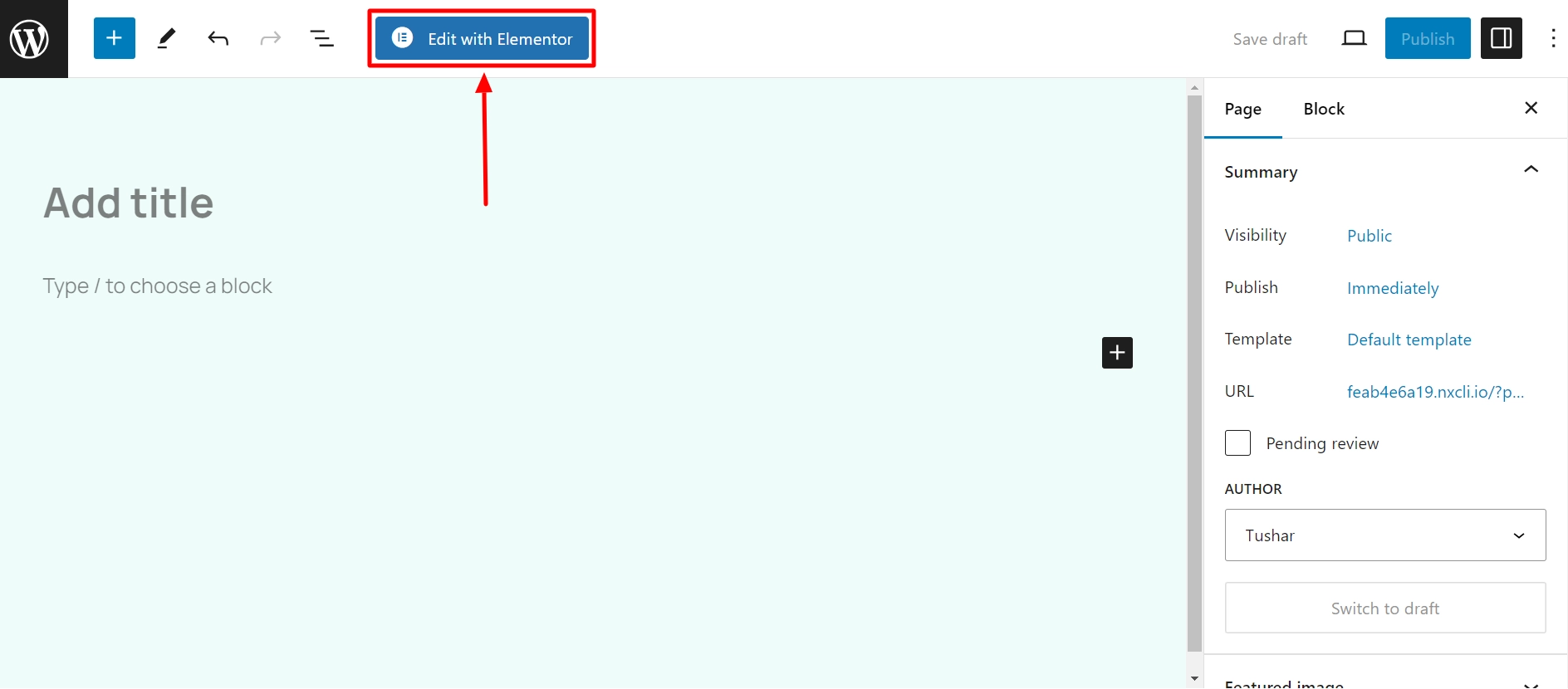
- Click the Edit with Elementor button to add the Product Related widget.
- Search for Product Related widget and add it.
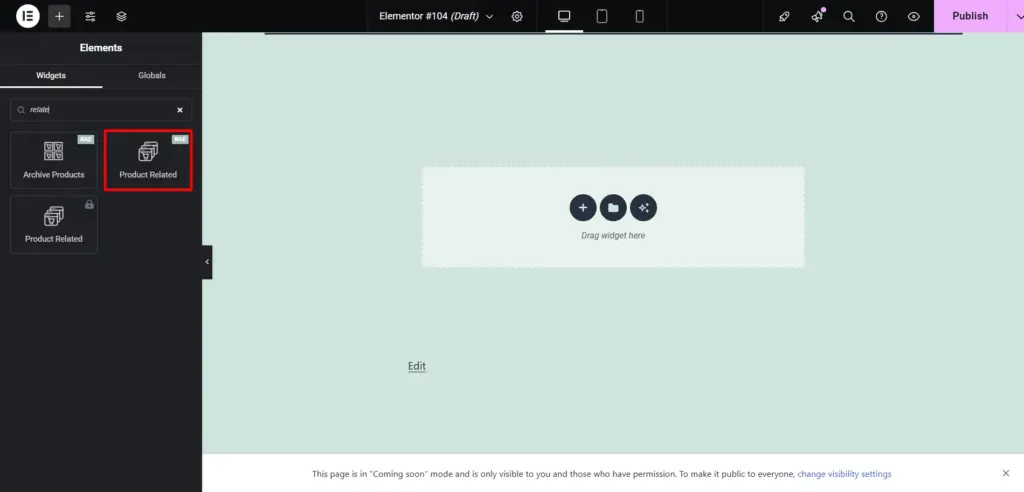
Drag and drop the RAE Product Related widget onto your product page.
Settings
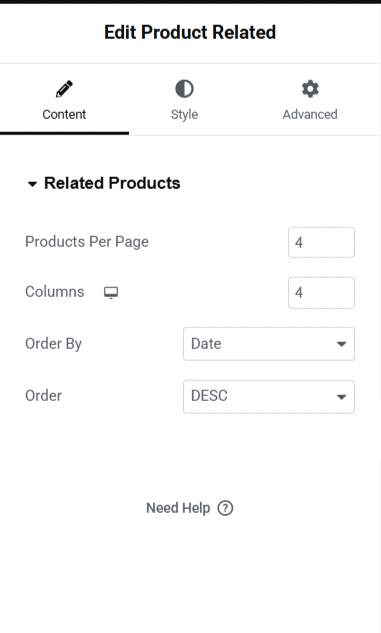
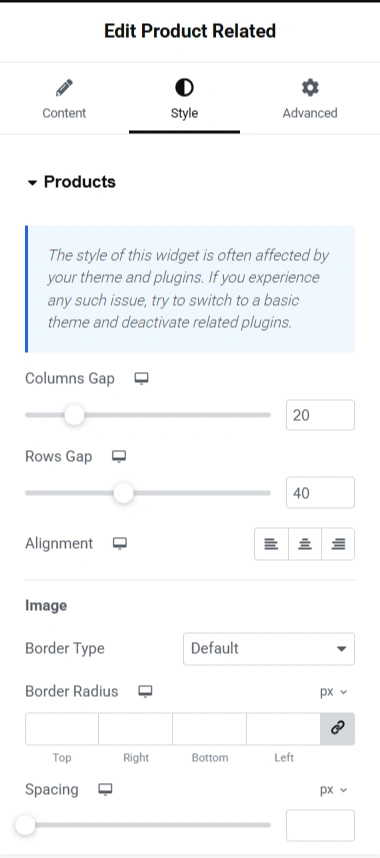
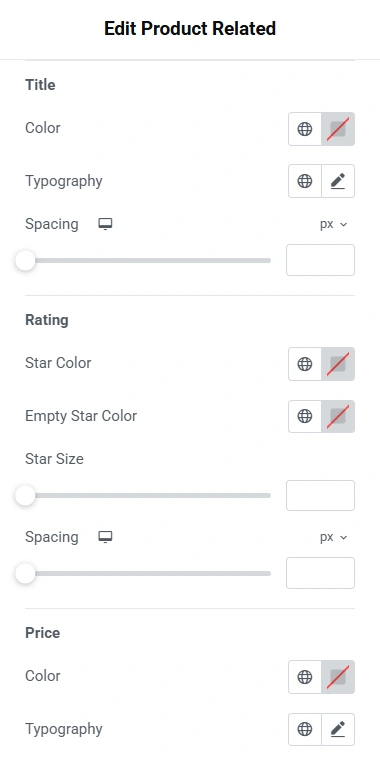
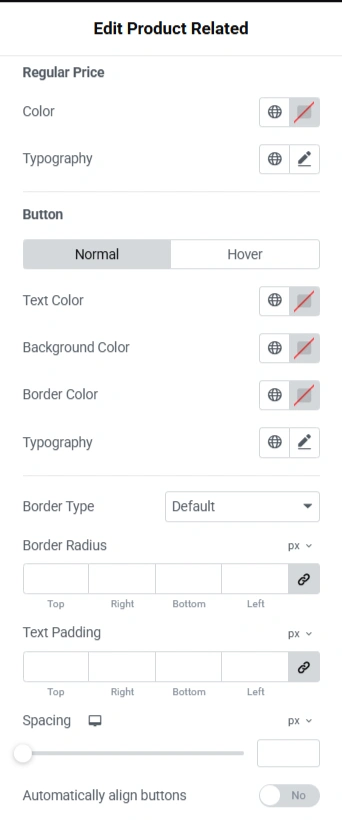
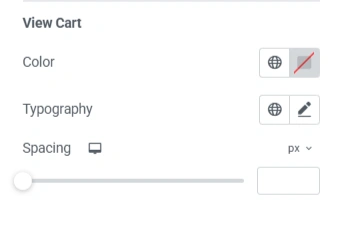
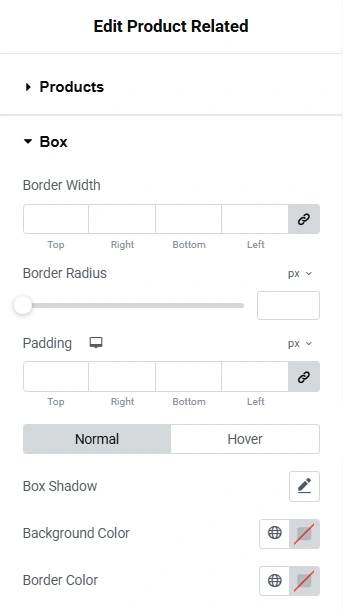
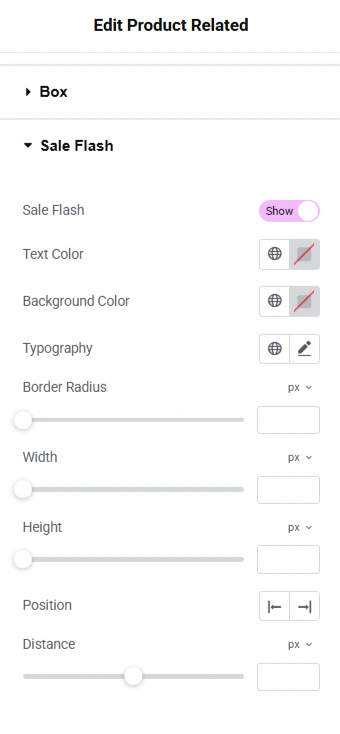
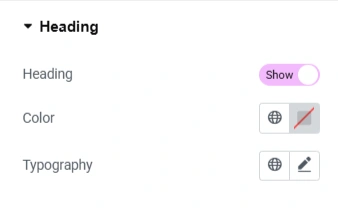
Now you know all the settings for the Product Related widget.


