Give A Quick Summary To Your Posts With The Post Excerpt Widget

Display the text inputted in the excerpt at the time of creating the post.

Give Your Visitors A Preview Of The Content

Make it easier for your visitor to select what they want to read

Styling Options

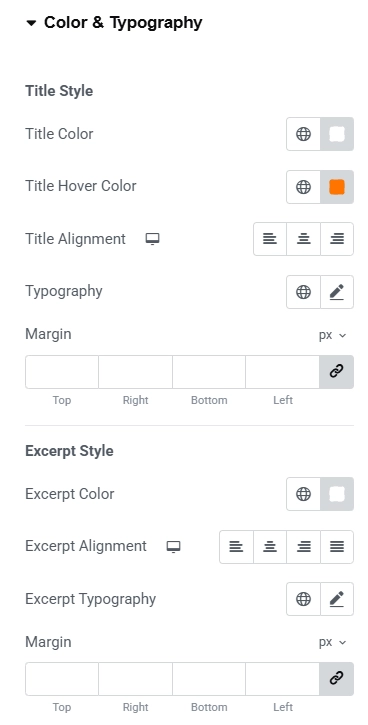
Typography

Change the text styling properties such as color typography and alignment

Content

Add Your Excerpt

Make your content exciting and appealing to your readers

Post Excerpt

Dynamic Tags

The text field in content is populated by the post excerpt custom dynamic tag

Why Add a post Excerpt Widget?

Adding a Woo Checkout Widget simplifies the checkout process, reduces cart abandonment, and boosts conversions.


Customizable
You can customize this widget to suit your needs
Higher Conversions
Improves the overall checkout experience, leading to increased conversion rates.
Flexible Content Display
Choose how excerpts appear across blog grids, lists, cards, and archive layouts with complete flexibility.
User Experience
Creates a smooth, efficient, and user-friendly checkout process, boosting customer satisfaction.
Responsive Design
The Post Excerpt Widget is responsive and will work on all devices.
Advanced
Select from various advanced options available

Add The Post Excerpt Widget on Your Website

With Pro, you can manage all of your plugins in one place.

Get Responsive Addons for Elementor!

Our live editor allows you to configure the Logo Carousel widget in a few clicks. Try it out today!

🎉 Use code EXTRA20 to get 20% Off!