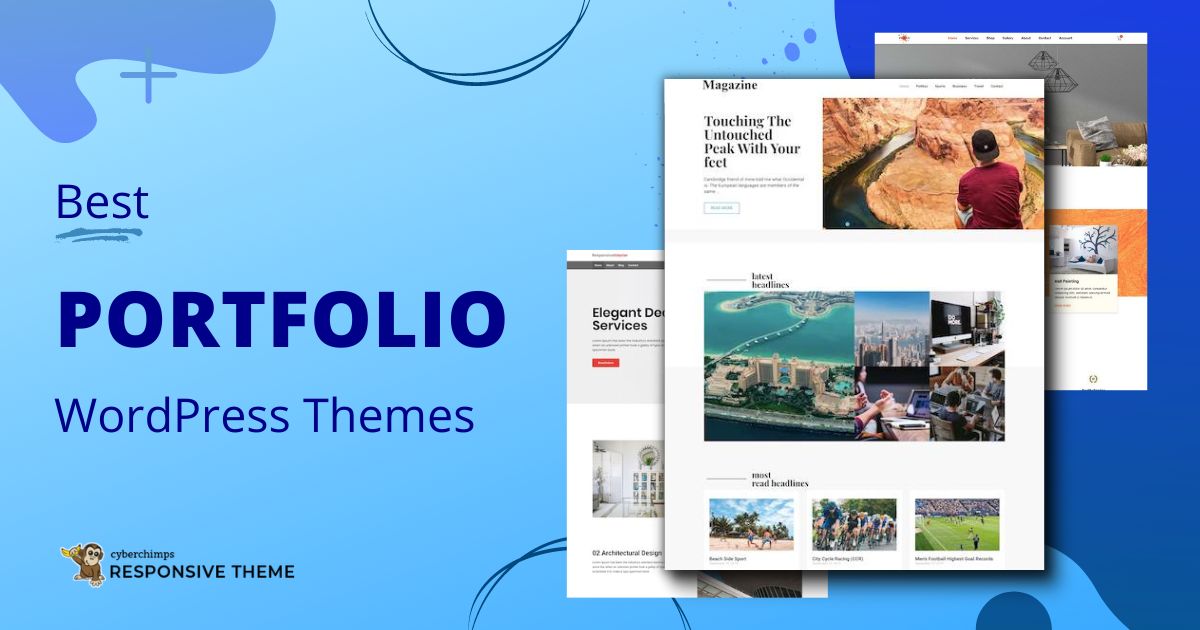
The best WordPress portfolio theme depends on your workflow, not just how polished the demo looks. To help you choose, we evaluated 10 popular themes based on eight practical criteria: ease of setup, portfolio experience, design flexibility, performance, builder compatibility, scalability, beginner friendliness, and value for money.
This guide explains where each theme shines, where it falls short, and which one is the best fit for freelancers, agencies, photographers, designers, and beginners.
- 7 Key Considerations for Choosing a WordPress Portfolio Theme
- Why trust this list of WordPress portfolio themes?
- Which WordPress portfolio theme should you choose?
- How did we evaluate these WordPress portfolio themes?
- 1. Responsive Theme by CyberChimps
- 2. Astra
- 3. Kadence
- 4. GeneratePress
- 5. Blocksy
- 6. Neve
- 7. Portfolio Web
- 8. Minimalio
- 9. Phlox
- 10. Inspiro
- Which WordPress portfolio theme is right for your needs?
- Still deciding? Here’s how to narrow down your shortlist
- FAQ
- Conclusion
Cyberchimps Responsive is the Best WordPress Theme – Get it for free!
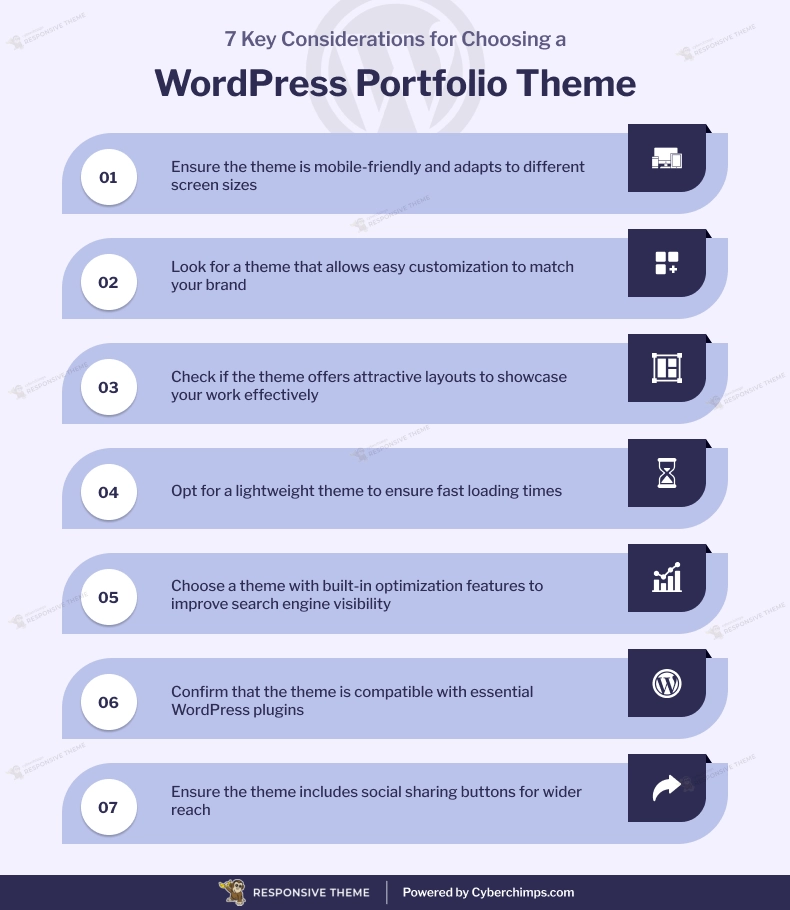
7 Key Considerations for Choosing a WordPress Portfolio Theme
Keep in mind these 7 factors while choosing a Portfolio WordPress Theme:
Why trust this list of WordPress portfolio themes?
Choosing a WordPress portfolio theme can feel a bit like buying a house based solely on its exterior. The photos look impressive, the brochure promises everything you need, but you won’t know how well it fits your lifestyle until you step inside.
Many best theme roundups make the same mistake. They focus on feature lists and marketing copy without explaining how those features translate into real-world use.
This guide takes a different approach.
Rather than recommending themes based on popularity alone, we reviewed 10 widely used WordPress portfolio themes through a consistent evaluation framework designed around the questions users actually ask before making a decision.
Which WordPress portfolio theme should you choose?
The best WordPress portfolio theme depends on your goals. Freelancers often benefit from flexible multipurpose themes, while photographers, designers, and artists may prefer themes built specifically for showcasing visual work.
If you don’t want to read the entire guide, here’s a quick starting point based on different use cases.
| If you’re… | Consider… | Why |
| A freelancer | Responsive Theme by CyberChimps or Kadence | Flexible enough to support client work, personal branding, and future business growth. |
| An agency | Responsive Theme by CyberChimps or Astra | Scalable foundations with extensive customization options and starter templates. |
| A photographer or videographer | Inspiro | Designed with galleries and visual storytelling in mind. |
| A designer or artist | Minimalio | Minimal layouts that keep the focus on creative work. |
| A beginner | Neve | Easy to set up with a gentle learning curve and ready-made starter sites. |
| A performance-conscious developer | GeneratePress | Lightweight architecture that provides maximum control over customization and optimization. |
| Someone who wants complete design freedom | Blocksy or Phlox | Rich customization options for creating a unique portfolio experience. |
| Someone building a portfolio-only website | Portfolio Web | Purpose-built for showcasing projects without unnecessary complexity. |
These recommendations aren’t based on a single performance metric or feature count.
Instead, they’re based on each theme’s intended audience, strengths, customization options, ecosystem maturity, and long-term suitability for different types of portfolio websites.
How did we evaluate these WordPress portfolio themes?
No single metric can determine whether a WordPress theme is the best.
A theme with lightning-fast performance may lack portfolio layouts. Another might offer beautiful designs but become limiting as your website grows. That’s why we looked beyond speed tests and feature lists to evaluate each theme from a practical, real-world perspective.
Our evaluation framework
| Evaluation Criteria | Why It Matters |
| Ease of Setup | A theme should help you launch quickly without requiring hours of configuration or technical knowledge. |
| Portfolio Experience | Your work should take center stage through well-designed layouts, galleries, and project pages. |
| Design Flexibility | The best themes let you customize colors, typography, headers, and layouts to match your personal brand. |
| Performance | A lightweight foundation can improve loading times and create a better experience for both visitors and search engines. |
| Page Builder Compatibility | Support for tools like Elementor and the WordPress Block Editor makes customization easier for most users. |
| Scalability | A good theme should adapt as your website evolves into a blog, business site, or online store. |
| Beginner Friendliness | Clear onboarding, intuitive settings, and quality documentation reduce the learning curve. |
| Value for Money | Premium features should justify their price, while the free version should still provide meaningful functionality. |
Why these criteria matter
Most people searching for a WordPress portfolio theme aren’t trying to find the fastest theme or the one with the most features.
They’re trying to answer a much simpler question: Which theme will help me build the portfolio website I actually want?
This framework explains each theme’s strengths, limitations, and ideal use cases, making it easier to compare options based on your own priorities rather than generic rankings.
These recommendations are intended to help you identify the themes most likely to fit your goals.
Let’s start with the list of our themes.
1. Responsive Theme by CyberChimps
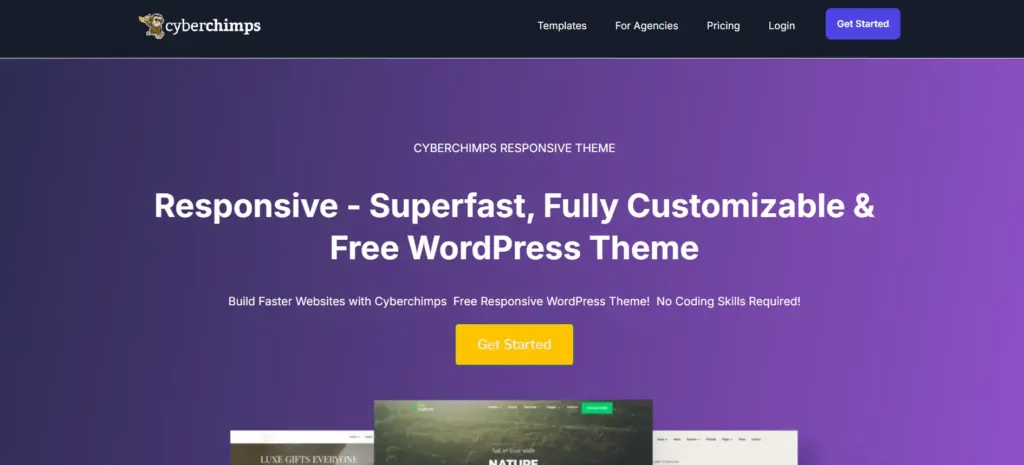
📢 My Real World Test Results:
- Best suited for: designers showcasing portfolios
- Load time on shared hosting: 0.78 seconds
- GTmetrix Performance score: 100%
- Total theme size: Under 80KB
- Mobile PageSpeed score: 99/100
- Save design time with 100+ Premium-grade Starter templates
Responsive is a lightweight multipurpose WordPress theme that combines portfolio-ready starter templates with extensive customization options.
Rather than locking you into a single design style, it provides a flexible foundation that works equally well for portfolios, agency websites, blogs, and online stores.
Why consider Responsive?
- Ready-to-use starter templates help you launch faster.
- Compatible with Elementor and the WordPress Block Editor.
- Flexible enough to support portfolios, blogs, and WooCommerce stores.
- Easy to customize without touching code.
This is a pre-designed starter template that you can get with Responsive Plus and customize using Responsive Theme.
Who should choose this theme?
- Freelancers building a personal brand.
- Agencies creating portfolio websites for clients.
- Beginners who want a simple setup process.
- Businesses expecting their website to grow over time.
| Pros | Cons |
| Beginner-friendly setup | Fewer portfolio-specific layouts than niche creative themes |
| Excellent design flexibility | Portfolio demos may need minor customization |
| Strong ecosystem and scalability |
2. Astra
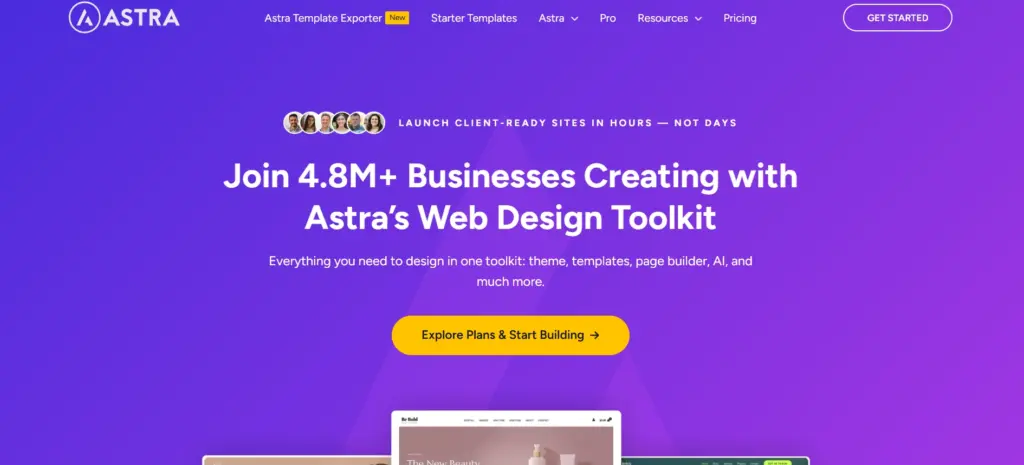
Astra has become one of the most widely used WordPress themes because of its flexibility. Whether you’re building a personal portfolio, an agency website, or a client project, it provides a solid foundation that works with popular page builders and can adapt as your requirements change.
What makes Astra a popular choice?
- Extensive library of professionally designed starter templates.
- Seamless compatibility with Elementor and the WordPress Block Editor.
- Flexible customization options for layouts, colors, and typography.
- Suitable for portfolios, blogs, business websites, and ecommerce stores.
Who will get the most value from Astra?
- Freelancers managing multiple projects.
- Agencies building websites for different industries.
- Users who want design flexibility without coding.
- Businesses looking for a theme that can scale over time.
| Pros | Cons |
| Large starter template ecosystem | Premium templates require a paid plan |
| Beginner-friendly customization | Portfolio-specific layouts are limited compared to niche themes |
| Strong compatibility with popular plugins | The number of options may feel overwhelming for first-time users |
3. Kadence
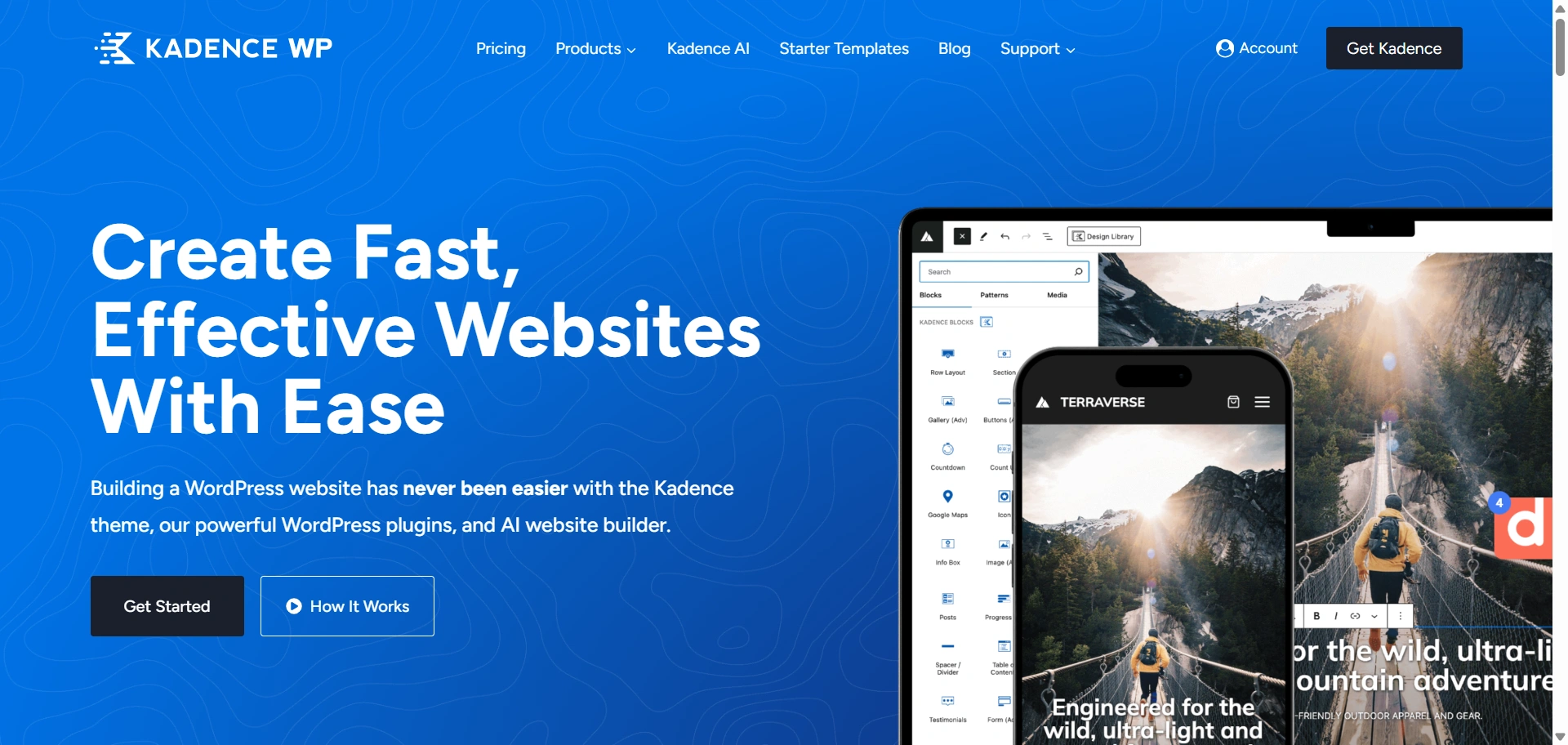
Kadence has earned a loyal following by making advanced customization approachable.
It offers a clean editing experience, flexible layout controls, and a growing collection of starter templates, making it suitable for everything from personal portfolios to client websites.
Why do many creators choose Kadence?
- Powerful global controls for typography, colors, and layouts.
- Compatible with Elementor and the WordPress Block Editor.
- Professionally designed starter templates that reduce setup time.
- Flexible enough to support portfolios, business websites, and blogs.
Who is Kadence best suited for?
- Freelancers building a polished personal brand.
- Agencies creating custom websites for clients.
- Users who want more creative control without writing code.
- Beginners looking for a theme that’s easy to learn but doesn’t feel limiting.
| Pros | Cons |
| Intuitive customization experience | Some advanced capabilities require the premium version |
| Strong starter template library | Fewer portfolio-specific demos than niche creative themes |
| Works well with popular page builders | Can feel feature-rich for users seeking absolute simplicity |
4. GeneratePress
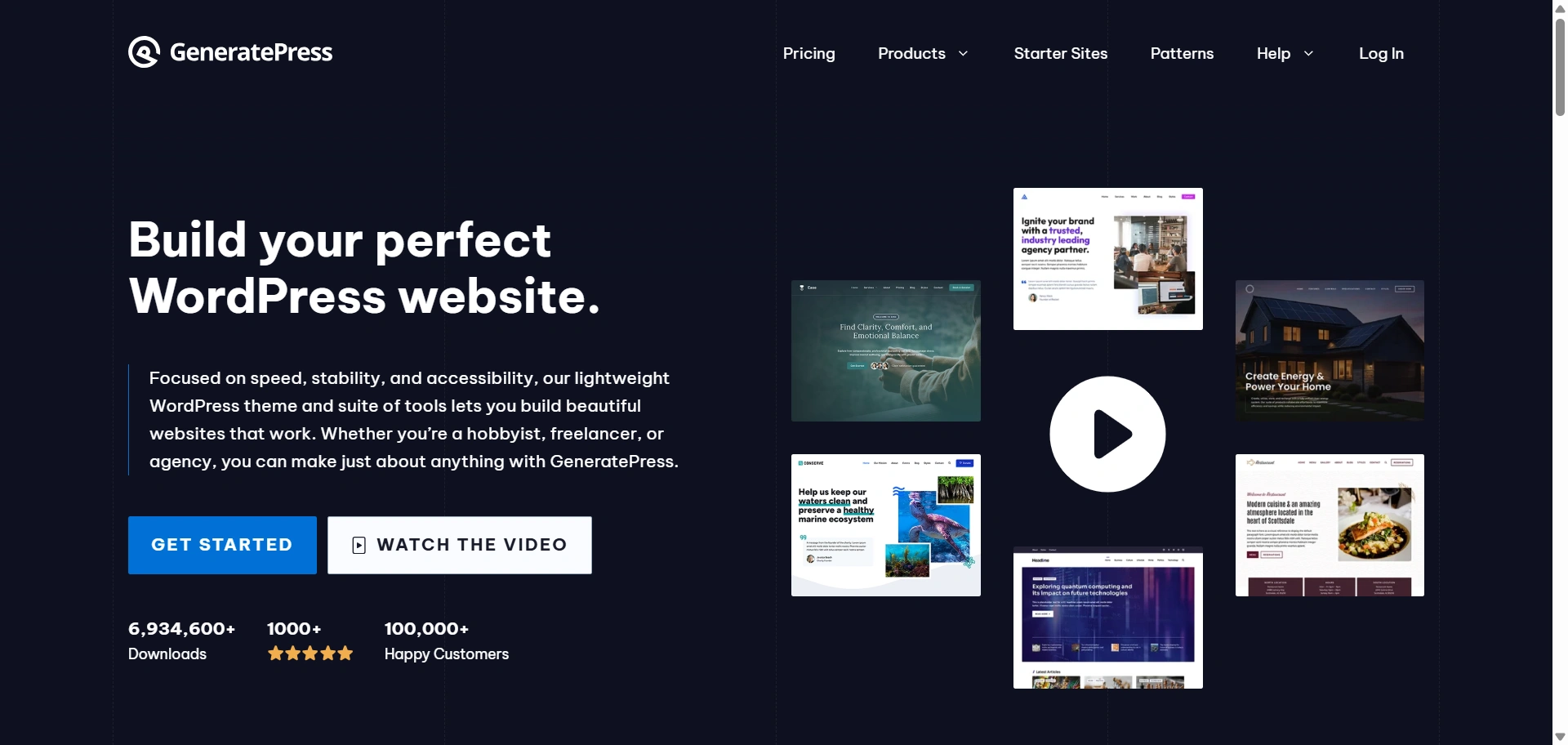
Unlike themes packed with visual effects and portfolio-specific templates, GeneratePress takes a minimalist approach. It focuses on clean code, stability, and flexibility, allowing you to create a portfolio that reflects your brand without carrying unnecessary overhead.
Why choose GeneratePress?
- Lightweight architecture designed for fast-loading websites.
- Works seamlessly with Elementor and the WordPress Block Editor.
- Extensive layout and typography controls for custom designs.
- Flexible enough to support portfolios, blogs, and business websites.
Who is it best suited for?
- Developers who want maximum control over the final design.
- Freelancers building custom portfolio websites.
- Users who prioritize performance and maintainability.
- Businesses planning to scale beyond a simple portfolio.
| Pros | Cons |
| Lightweight and well-optimized foundation | Fewer ready-made portfolio templates than some competitors |
| Highly customizable without code changes | Beginners may spend more time configuring layouts |
| Broad compatibility with popular plugins | Portfolio-first designs require additional setup |
5. Blocksy
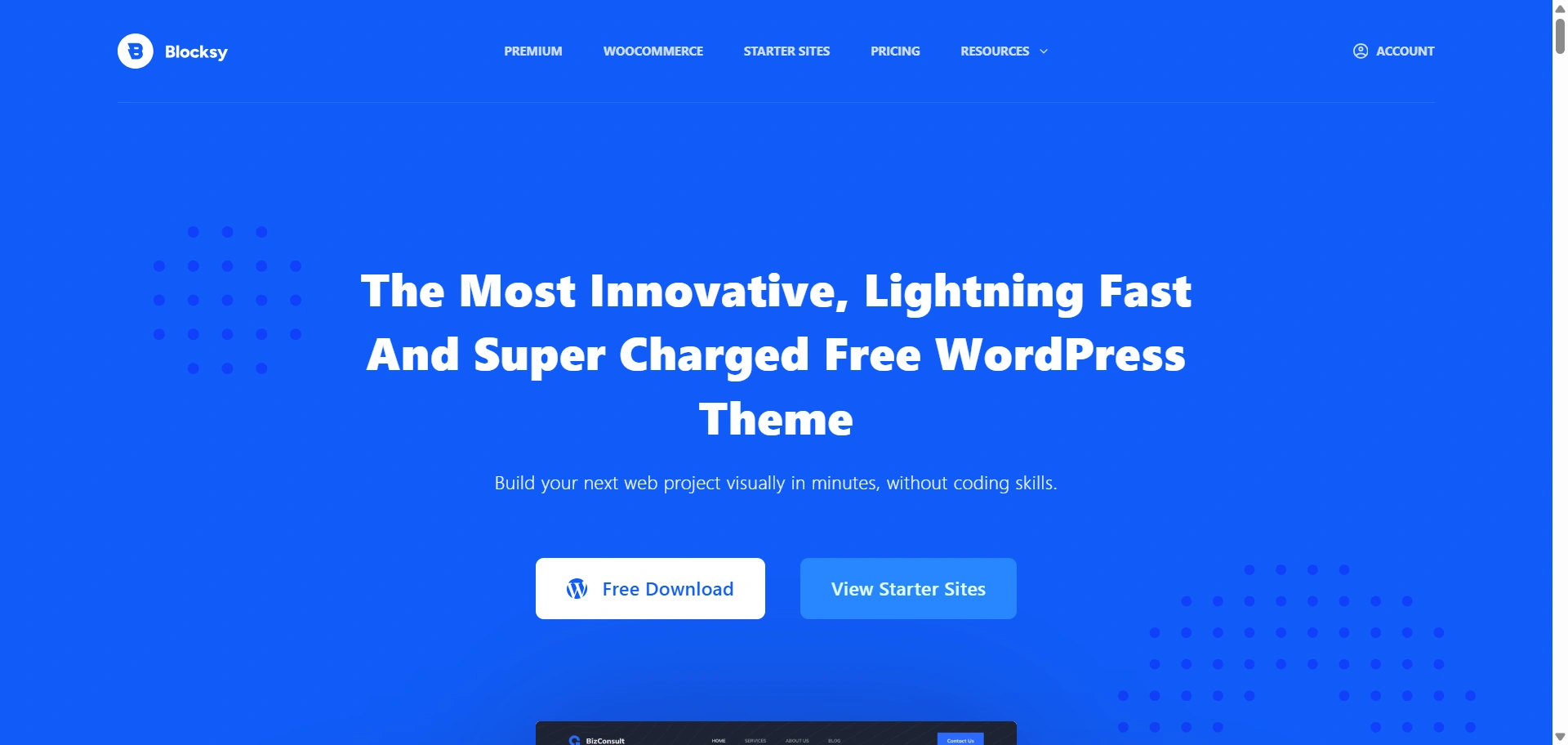
Blocksy combines a lightweight foundation with an impressive range of design options, making it easy to create a portfolio that feels unique.
Whether you’re building a personal website or showcasing client projects, it offers enough flexibility to create a polished online presence without relying heavily on custom code.
What makes Blocksy stand out?
- Advanced customization options for headers, footers, colors, and typography.
- Compatible with Elementor and the WordPress Block Editor.
- Modern starter sites that can be adapted for different creative industries.
- Flexible enough to support portfolios, blogs, and business websites.
Who should consider Blocksy?
- Designers who want complete control over branding.
- Freelancers building visually distinctive portfolio websites.
- Agencies creating customized client projects.
- Users are looking for a balance between ease of use and creative freedom.
| Pros | Cons |
| Extensive design customization | Some advanced features are only available in the premium version |
| Modern starter templates | Portfolio-specific demos are fewer than niche creative themes |
| Strong compatibility with popular page builders | The large number of settings may overwhelm first-time users |
6. Neve
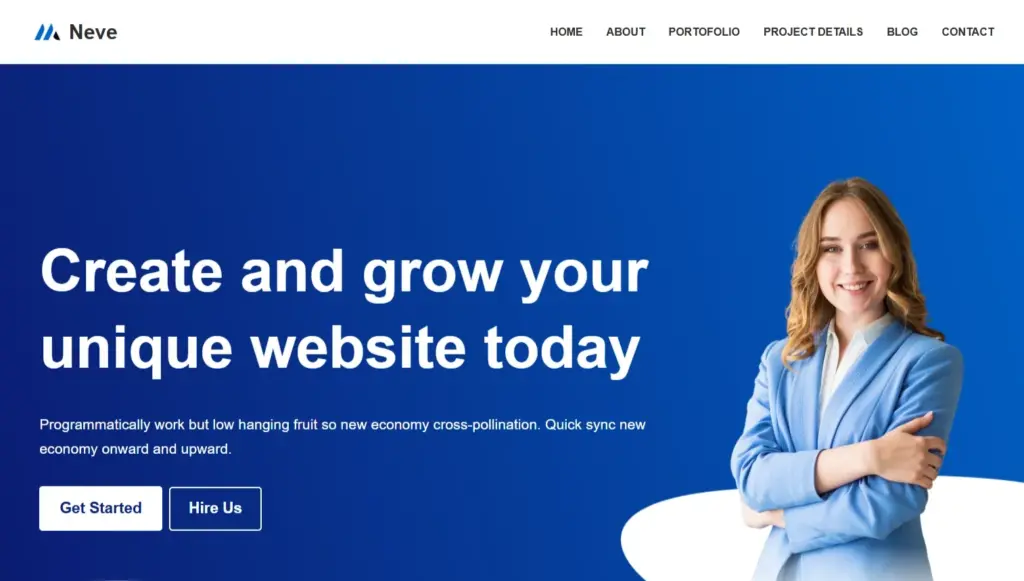
Neve is designed to simplify the website-building process without limiting future growth. Its starter sites, intuitive customization options, and compatibility with popular page builders make it easy to launch a professional portfolio, even if you’re building your first WordPress website.
Why choose Neve?
- Beginner-friendly setup with ready-to-use starter templates.
- Compatible with Elementor and the WordPress Block Editor.
- Lightweight foundation suitable for portfolios, blogs, and business websites.
- Clean customization options that don’t overwhelm new users.
Who is it best suited for?
- First-time WordPress users.
- Freelancers launching a personal portfolio.
- Small businesses creating a simple online presence.
- Creators who want to get online quickly without a steep learning curve.
| Pros | Cons |
| Easy to install and customize | Advanced design controls require the premium version |
| Good collection of starter sites | Portfolio-specific templates are limited |
| Flexible enough to grow with your website | Power users may want more built-in customization options |
7. Portfolio Web
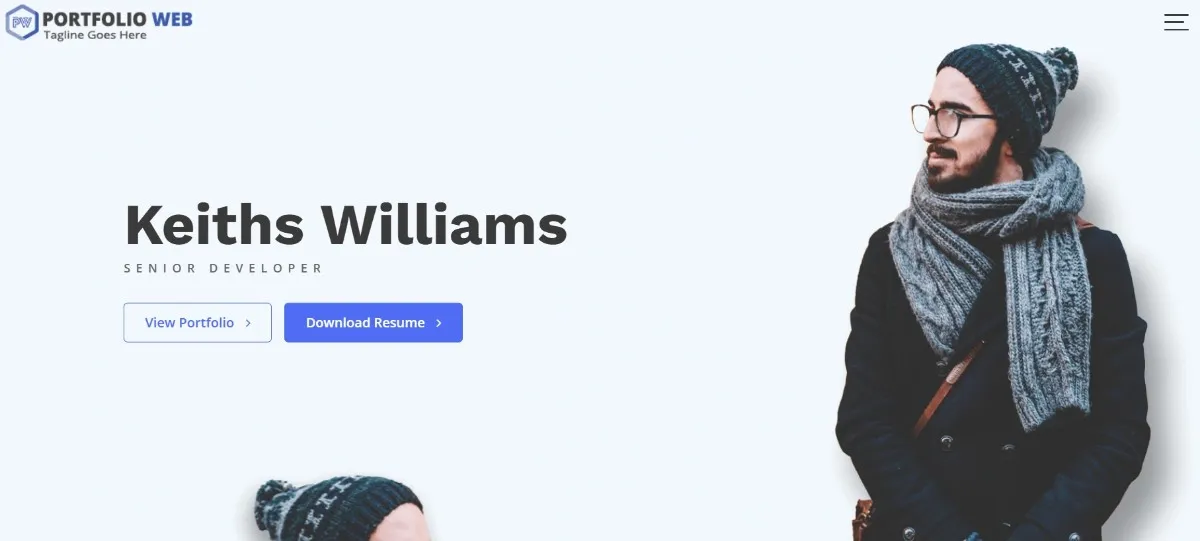
Unlike multipurpose themes that can power almost any type of website, Portfolio Web is designed primarily for portfolios.
Its layouts put your work front and center, making it a practical option for freelancers, designers, artists, and other professionals whose portfolio is the main attraction.
Why consider Portfolio Web?
- Designed specifically for portfolio and creative websites.
- Includes sections tailored for showcasing projects and services.
- Simple customization options that are easy to understand.
- Suitable for users who don’t need the complexity of a multipurpose theme.
Who is it best suited for?
- Designers building a personal portfolio.
- Artists showcasing creative work.
- Freelancers who want a portfolio-first website.
- Users who prefer simplicity over extensive customization.
| Pros | Cons |
| Purpose-built for portfolio websites | Less flexible than multipurpose themes |
| Portfolio-focused layouts out of the box | Smaller ecosystem of templates and integrations |
| Straightforward customization experience | Limited scalability for more complex websites |
8. Minimalio
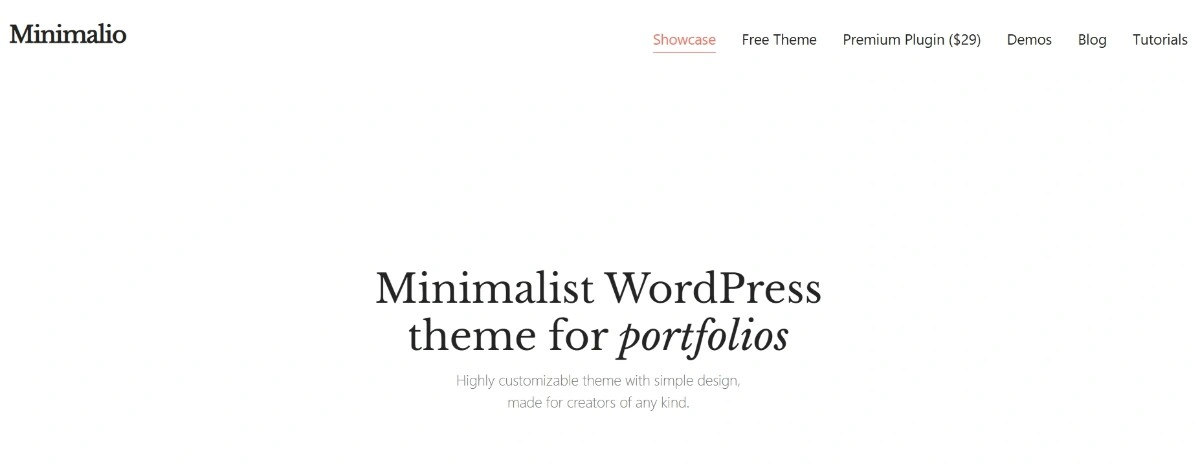
Minimalio embraces the philosophy that less is more. Instead of offering dozens of customization options, it focuses on elegant layouts and uncluttered design, making it easier to create a portfolio where projects take center stage without competing visual elements.
Why choose Minimalio?
- Minimalist design that highlights creative work.
- Clean layouts with a strong visual hierarchy.
- Lightweight approach that’s easy to navigate.
- Well suited for personal portfolios and creative showcases.
Who is it best suited for?
- Graphic designers and illustrators.
- Photographers building a simple online portfolio.
- Artists who prefer understated aesthetics.
- Creatives who don’t need extensive business features.
| Pros | Cons |
| Elegant, distraction-free design | Limited customization compared to multipurpose themes |
| Easy to showcase visual projects | Smaller ecosystem and fewer starter templates |
| Simple user experience | Less suitable for complex or rapidly growing websites |
9. Phlox
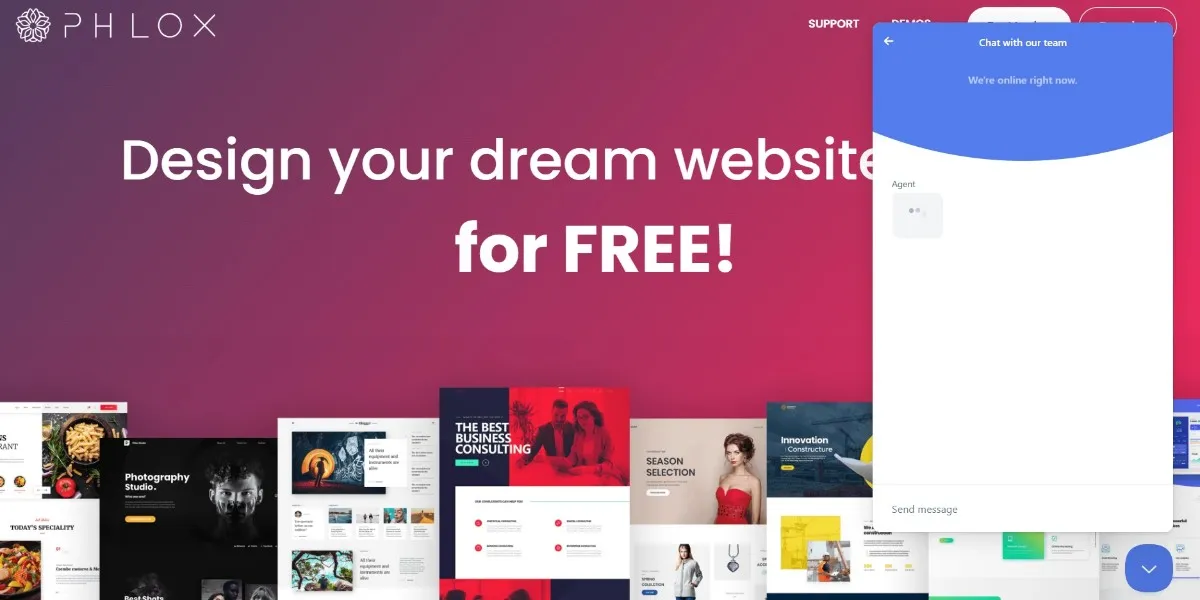
Phlox stands out for its design-oriented approach. It ships with a large collection of demos and integrates well with popular page builders, making it easy to create a portfolio that feels polished and distinctive without extensive development work.
Why choose Phlox?
- Wide selection of professionally designed starter websites.
- Strong compatibility with Elementor for visual editing.
- Flexible layout and styling options for creative projects.
- Suitable for portfolios, agency websites, and personal brands.
Who is it best suited for?
- Designers who want maximum visual impact.
- Freelancers creating an eye-catching online presence.
- Agencies building custom client websites.
- Users who prefer working with pre-built layouts.
| Pros | Cons |
| Extensive demo library | Can feel feature-heavy for users seeking a minimalist experience |
| Highly customizable design options | Some premium templates and features require an upgrade |
| Good Elementor integration | Beginners may need time to explore all available settings |
10. Inspiro
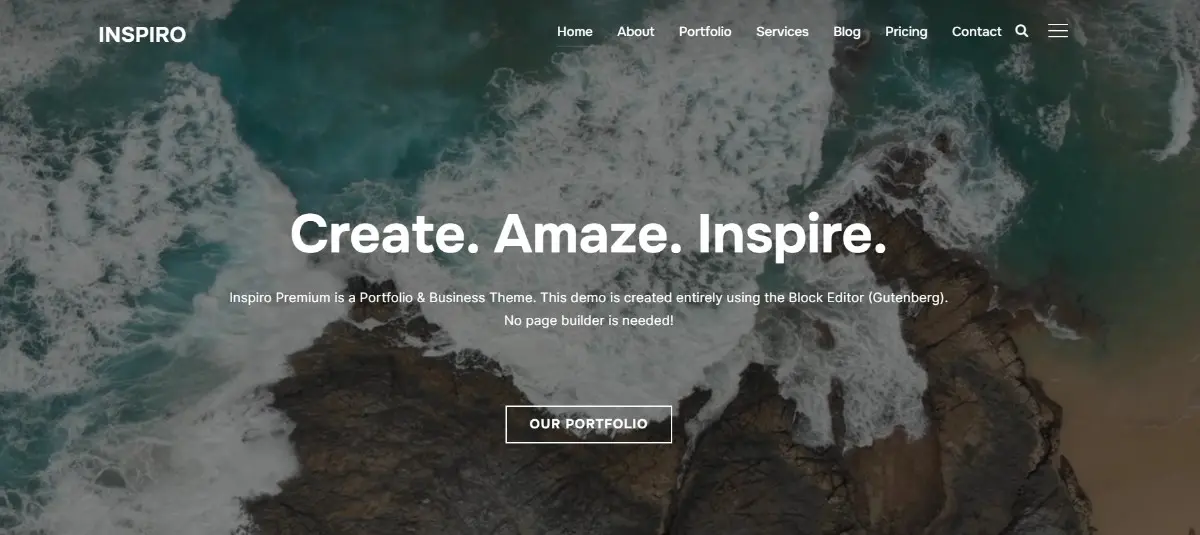
Unlike multipurpose themes that support a wide variety of use cases, Inspiro is designed with visual storytelling in mind.
Its layouts emphasize large imagery, fullscreen sections, and media-rich presentations, making it particularly appealing for creative professionals whose work speaks louder than text.
Why choose Inspiro?
- Built with photographers and videographers in mind.
- Portfolio layouts designed to highlight visual content.
- Compatible with Elementor for additional customization.
- Professional-looking demos that require minimal editing.
Who is it best suited for?
- Photographers showcasing client work.
- Videographers creating online showreels.
- Creative studios building image-first websites.
- Artists who want visuals to take center stage.
| Pros | Cons |
| Excellent visual presentation | Less flexible than general-purpose themes |
| Strong photography-focused layouts | Business-oriented features are comparatively limited |
| Easy to create immersive galleries | Some premium demos and features require an upgrade |
Which WordPress portfolio theme is right for your needs?
The right WordPress portfolio theme depends on what you create and how you work. Some themes prioritize flexibility, while others are designed specifically for showcasing visual projects.
After evaluating all 10 themes against our framework, one thing became clear: there isn’t a single best option for everyone.
Use the table below to narrow your shortlist before reading the detailed reviews.
| Your Goal | Recommended Theme | Why We Recommend It |
| Build a flexible portfolio that can grow into a business website | Responsive Theme by CyberChimps, Astra | Strong customization options, starter templates, and long-term scalability. |
| Launch a portfolio quickly with minimal setup | Neve, Responsive Theme by CyberChimps | Beginner-friendly workflows and easy-to-use starter sites. |
| Showcase photography or video projects | Inspiro | Built around galleries and visual storytelling. |
| Create a minimalist design portfolio | Minimalio | Clean layouts that keep the focus on your work. |
| Prioritize customization and creative freedom | Blocksy, Phlox | Extensive design controls for building a unique portfolio. |
| Build websites for multiple clients | Responsive Theme by CyberChimps, Kadence, Astra | Flexible enough to adapt to different industries and project types. |
| Start with a lightweight foundation | GeneratePress | Minimal approach that gives experienced users complete control over the final design. |
| Build a portfolio-focused website without unnecessary extras | Portfolio Web | Purpose-built for showcasing projects and creative work. |
Still deciding? Here’s how to narrow down your shortlist
By this point, you’ve seen that there isn’t a single WordPress portfolio theme that’s perfect for everyone.
Some themes prioritize flexibility and long-term scalability, while others are purpose-built to showcase creative work with minimal setup. The best choice ultimately depends on the type of website you’re building and how you expect it to evolve over time.
If you’re still comparing a few options, the frequently asked questions below address some of the most common concerns readers have before making a final decision.
FAQ
Choose a multipurpose theme for long-term flexibility and a portfolio-specific theme if your primary focus is showcasing creative work.
Neve and Responsive Theme are excellent choices for beginners thanks to their easy setup and intuitive customization options.
Inspiro and Minimalio are strong options for photographers because they prioritize galleries and visual presentation.
Yes, Elementor works well with themes like Responsive, Astra, Kadence, Blocksy, Neve, and Phlox.
Yes, many multipurpose themes such as Responsive, Astra, Kadence, and GeneratePress can easily expand into blogs or WooCommerce stores.
Conclusion
The best WordPress portfolio theme is the one that supports both your current needs and your future ambitions.
If you expect your website to grow beyond a simple portfolio, a flexible multipurpose theme like Responsive, Astra, or Kadence is a smart investment.
If your primary goal is to showcase photography, artwork, or design projects, dedicated portfolio themes like Inspiro, Minimalio, or Portfolio Web offer a more focused experience.
Whichever theme you choose, spend a few minutes exploring its demos, customization options, and long-term capabilities before making your final decision. A little research today can save you a complete redesign tomorrow.
If you enjoyed this article, make sure to checkout: