
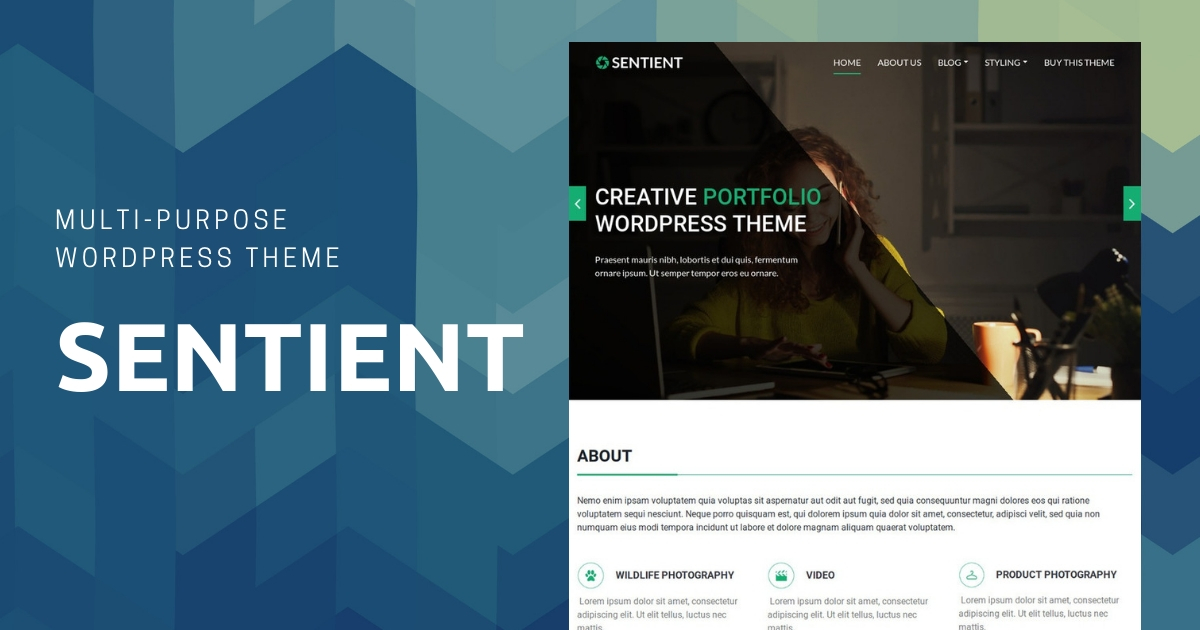
Sentient is a multipage premium WordPress theme by CyberChimps. With its professional layout, you can build a stunning website to showcase your portfolio and get your message across your audience.
With clean, responsive design, typography options, custom logo, fonts, Sentient comes with a pre-designed homepage and an About us page.
The homepage supports –
- A hero banner area with slider
- About us section
- An image portfolio section
- Recent posts section
- Count-up section
- Our team section and
- Footer area section
The pre-designed about us page supports –
- Description
- Features section and
- Testimonial section
Pre-designed Homepage
Sentient comes with a pre-designed homepage. To edit your homepage, follow these steps:
- In your site’s WordPress dashboard, go to Pages → All Pages.
- Click on the Sentient Homepage.
- Click on the Edit with Elementor button.
When you first activate Sentient, your pre-designed home page will display the layout shown in the theme’s demo. You can edit each section of the homepage or change its sequence using a page builder.
Sentient’s homepage comes up with –
Slider Hero Banner
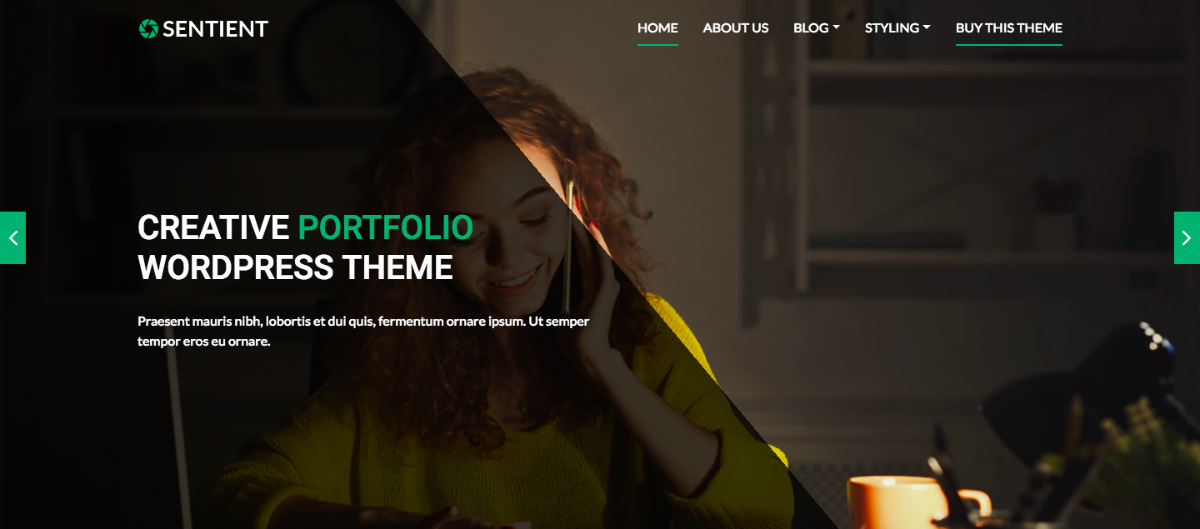
To add slides to your homepage, follow these steps:
- In your site’s WordPress Dashboard, go to Slider → Add New.
- Add the slide’s title, description, and the featured image.
- Then click the Publish button.
About
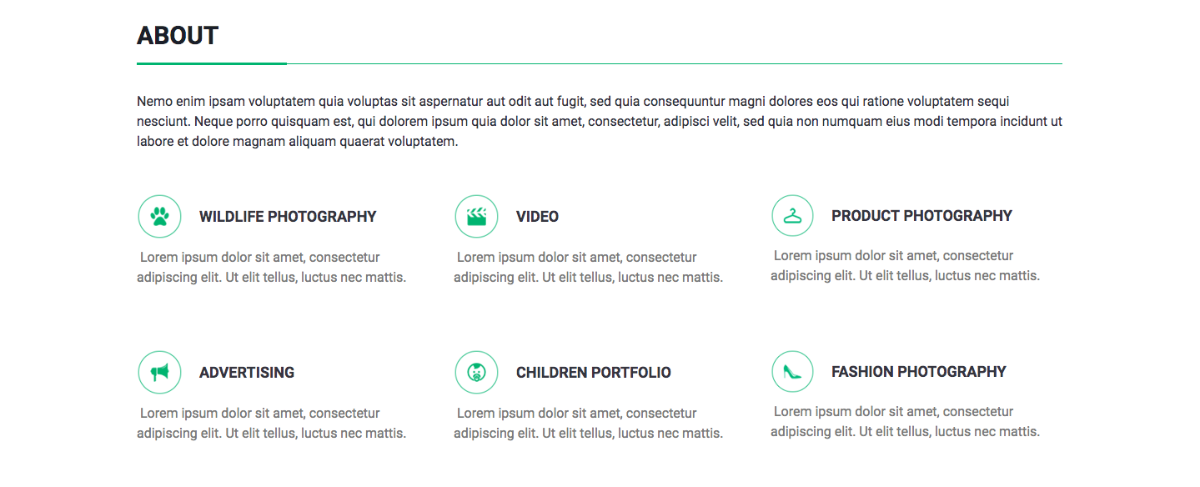
Let your audience know all about your business with the about section. You can directly edit Sentient’s about section when editing the homepage.
Portfolio

This is the portfolio section where you can perfectly showcase your projects with a zoom-in effect. You can directly edit Sentient’s portfolio section when editing the homepage.
Recent Posts
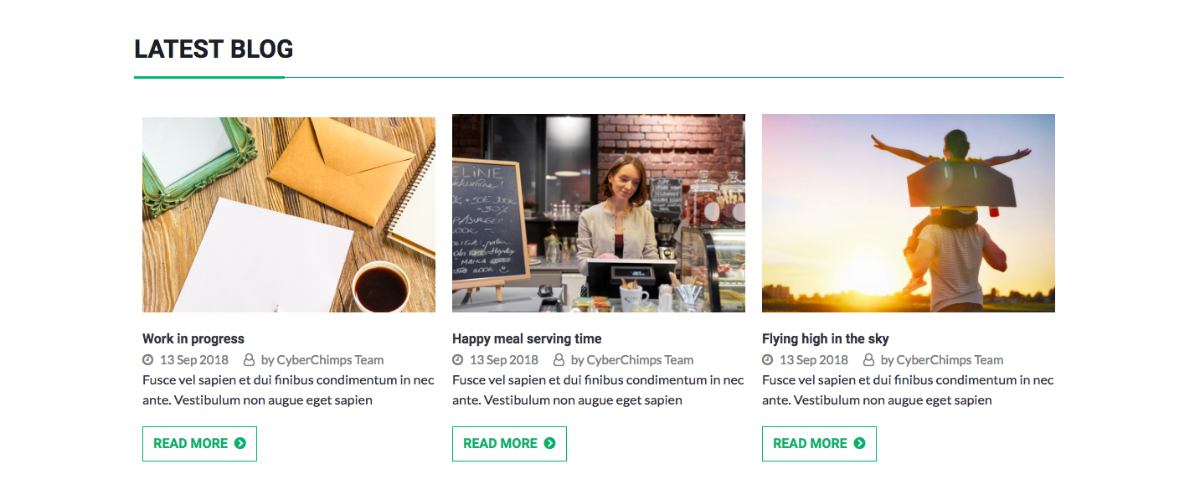
Build your blog with your business-related content and showcase the best of your blog posts in the Recent Posts section.
Animated Stats
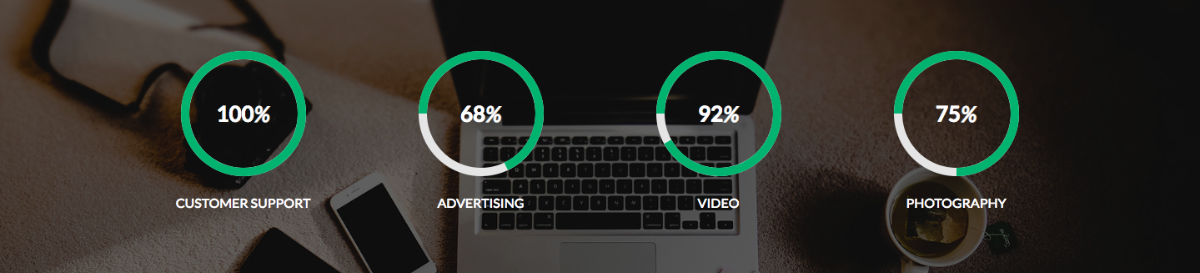
Display your achievements and business stats as animated counters.
Team
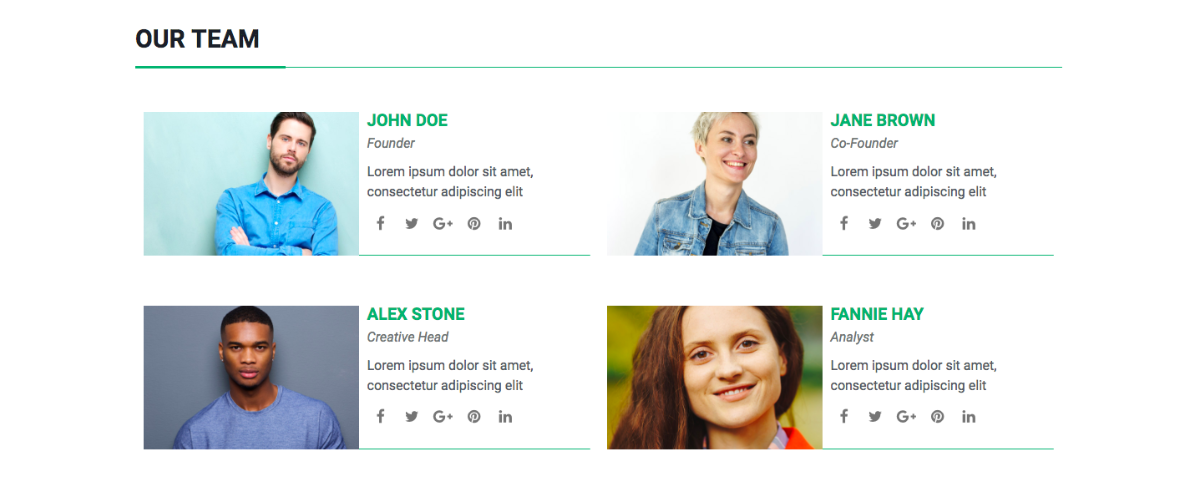
Let your customers know the people working behind the scenes for your business. You can directly edit Sentient’s team section when editing the homepage.
Footer
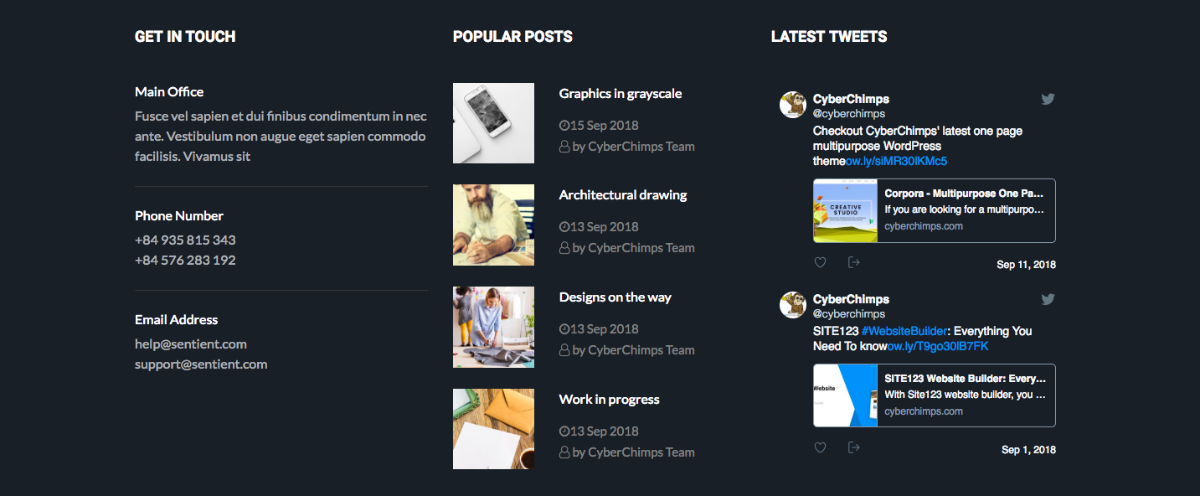
Add your agency’s contact description – address, e-mail, contact number, direct links for the blog and social media links here in the footer.
To edit the Footer area, follow these steps:
- In your site’s WordPress dashboard, go to Appearance → Widgets.
- Add, update or remove your footer widgets here.
Pre-designed About Us Page
Sentient also comes with a pre-designed about page. To edit the about us page, follow these steps:
- In your site’s WordPress dashboard, go to Pages → All Pages.
- Edit the About Us page.
- Then click on the Edit with Elementor button.
Sentient’s About Us Page consists of –
Introductory Text
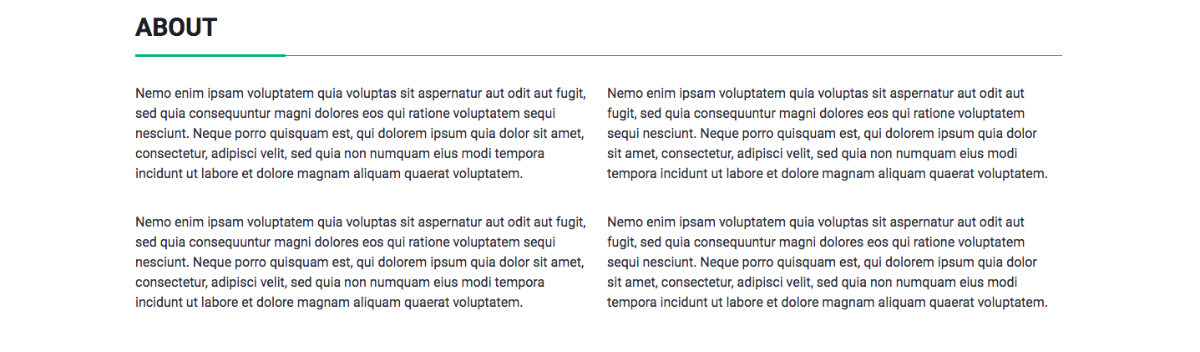
Tell your business story with a two column text layout. Edit the About Us page to update this section.
Features
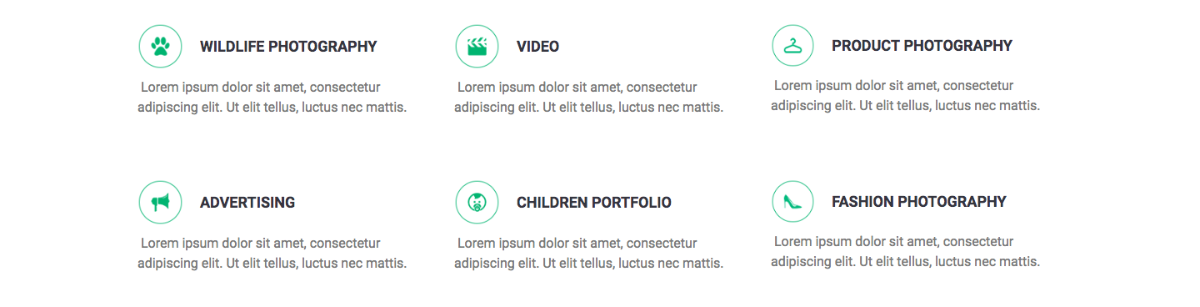
Tell your site visitors why they should choose you, over your competition.
Testimonials
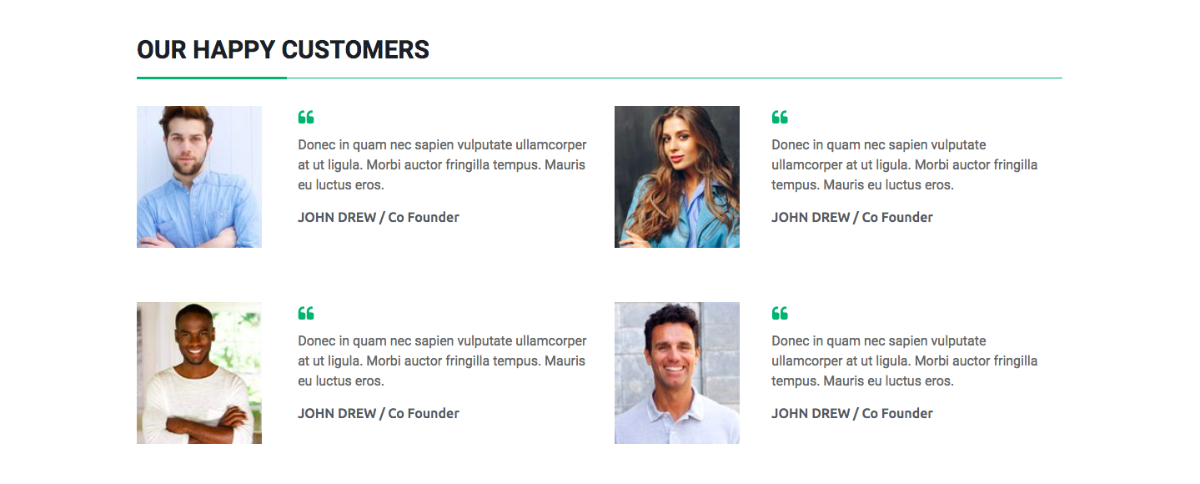
Showcase your brand’s success stories and recommendations with the testimonials section on the about us page.
Standard Theme Features
Like all our WordPress themes, Sentient also comes with standard theme features, including:
Responsiveness
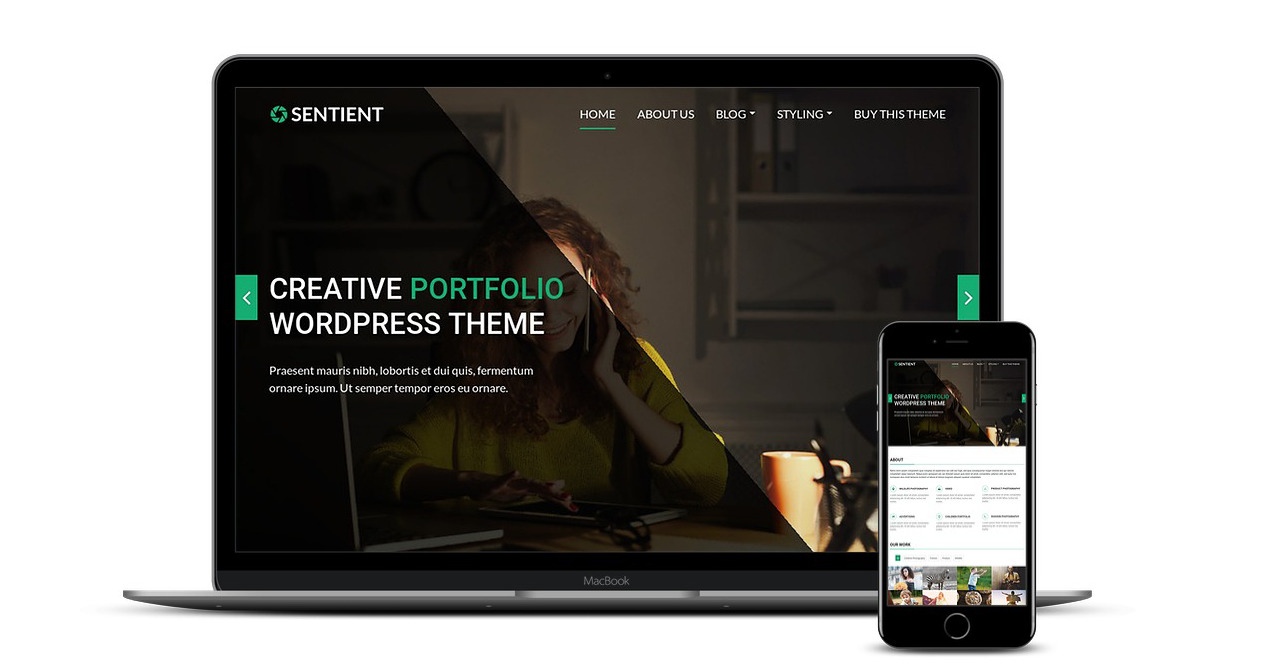
With Sentient, you can have a fully responsive website. It looks good on smartphones, tablets, laptops, desktops, etc.
Beautiful Typography
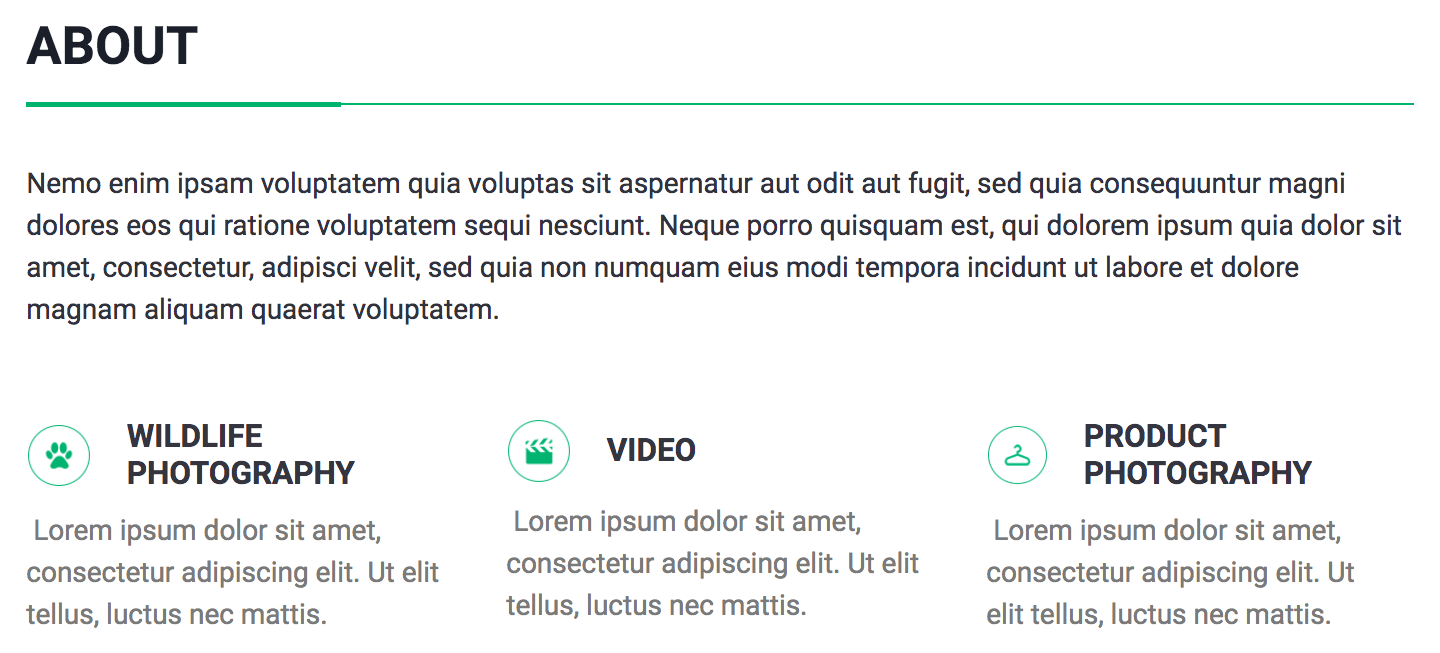
Sentient comes with all the default HTML styles to help you create beautiful, easy to read pages and blog posts.
Custom Logo, Colors & Fonts
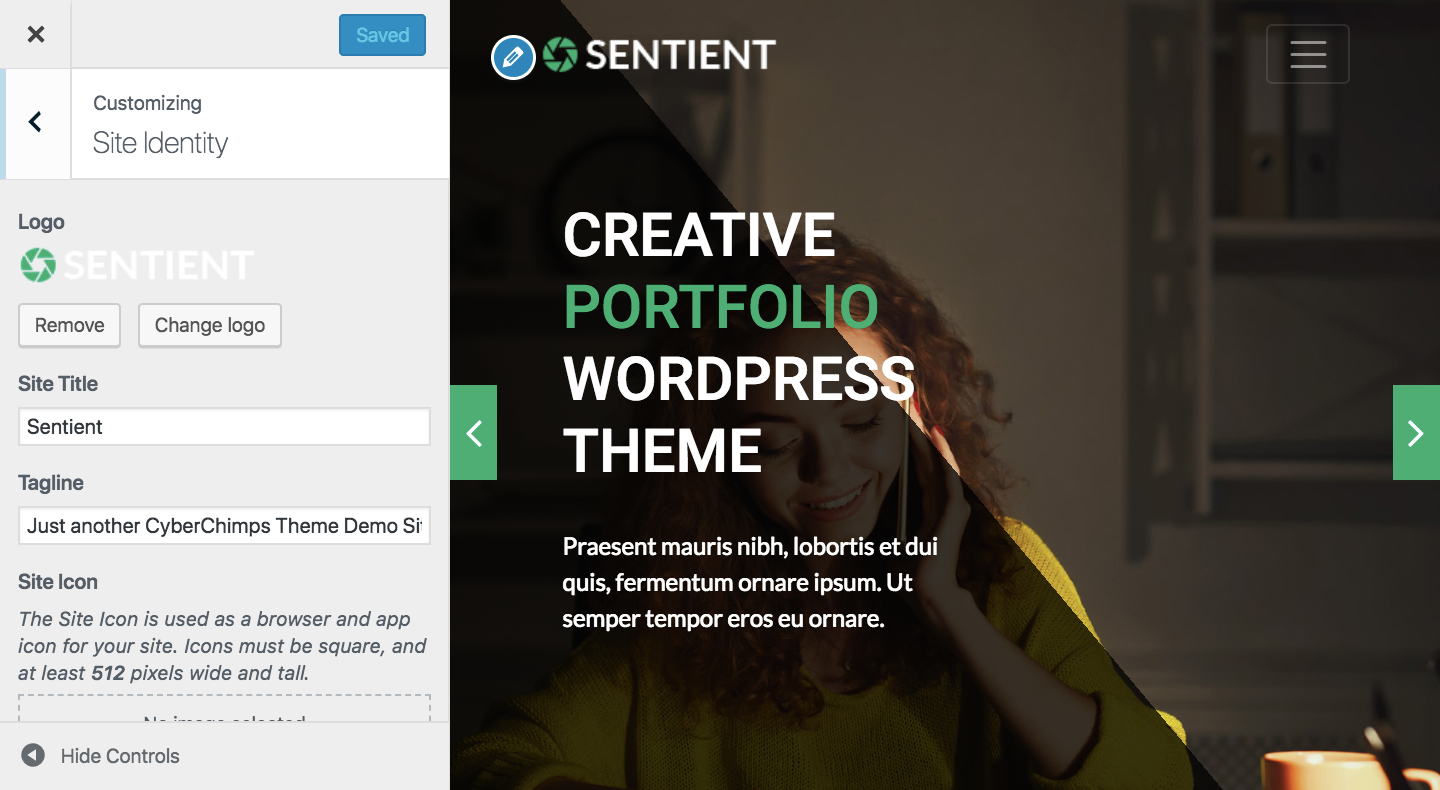
Sentient has full customizer support, including support for custom colors, Google fonts, custom logo, and sidebar layouts.
Want to know more?
Check out the Sentient demo to learn more about its pre-designed home page, about page, typography, and responsiveness.